Gardion
blog

Screen time: what holds, and what kids break

Which limits actually work, the tricks kids use to beat them, and how to close every hole.

7 min · read

Steam parental controls: Steam Families, playtime limits and purchase requests

How to turn on parental controls for a child account in Steam, what a Steam Family lets you restrict, how playtime and purchase requests work, and what stays outside Steam entirely.

Read →
8 min · read

Parental Controls on Smart Speakers: What Google and Amazon Actually Restrict

Why a smart speaker treats a child like the account owner until you set up voice recognition, how filters differ from parental controls, which of them exist only in the US, and where a speaker stops helping.

Read →
8 min · read

Parental Controls on Huawei Phones Without Google Services

Family Link will not run on newer Huawei devices, and that is a Google restriction rather than a Huawei one. Here is what Digital Balance, AppGallery access control, a child HUAWEI ID and Kids Corner actually cover.

Read →
7 min · read

App Stores Outside Google Play: What Family Link Actually Controls

Why sideloaded app stores refuse to install or update on a supervised phone, which switches in Family Link really apply, and what a store’s own kids mode does and does not cover.

Read →
7 min · read

Parental controls in the browser: Chrome, Edge and Safari

Where the website filter lives in each browser, how the three Family Link modes differ, why Windows blocks other browsers, and what parents add next to it.

Read →
8 min · read

Fortnite Parental Controls: Playtime, Chat and the PIN

Playtime limits with a weekly email report, chat permissions, a PIN on purchases and content ratings: what Epic gives parents in Fortnite and how to reset a lost PIN.

Read →
7 min · read

Free Parental Controls: What Is Already on the Phone

What is free on Android, iPhone, Windows and the router: Family Link, Screen Time, Family Safety. Where free stops and what families actually pay for.

Read →
7 min · read

What Age Should a Child Get a Phone?

Why age is a poor unit of measurement, and what you are actually handing over with a phone: a way to call, internet access, an app store and private messaging. Which of those you can hand over separately, and what to set up on day one.

Read →
6 min · read

An SOS button on a child phone: what happens after the press

How SOS works in Gardion: where a child can press it, what is sent with the alert, what happens when location permission is off, and why every alert records who received it.

Read →
7 min · read

Parental controls on your router: what they cover and what walks straight past them

A router can cut the internet on a schedule, block domains and split devices into groups. Here is how to set it up, and the four situations where a router rule quietly stops meaning anything.

Read →
7 min · read

Parental controls on Samsung: Kids mode, Family Link and the Knox folder

A Galaxy phone carries three separate mechanisms, and most parents only know one of them. What Samsung Kids actually limits, where Family Link takes over, and why the Knox folder is worth knowing about.

Read →
7 min · read

Parental controls on a TV: what the set does on its own and where it stops

Kids profiles on Google TV, program blocking on Samsung, the PIN on LG, and what to do when the code is lost. Which part of the job the TV covers, and which part it never will.

Read →
6 min · read

How to limit TikTok on your child's phone: app limits, category limits, and app approval

Set a daily limit on the app itself, cap the whole social category, and require your approval before any new app runs. Here is why a single TikTok block lasts about one evening.

Read →
6 min · read

How to Limit Internet Access for Kids: Four Methods, Four Different Jobs

Pausing the connection, filtering site categories, blocking specific domains and restricted-mode YouTube are four separate settings. Which one fits which problem, and why the router and the carrier only cover half of it.

Read →
6 min · read

Blocking apps on your child’s phone: what it covers and what it can’t

A limit on one app, a limit on a whole category, approval for new installs, and a full device lock are four different settings. Here is what each one does and where app blocking stops.

Read →
6 min · read

Schedules in parental controls: when the phone locks itself

Bedtime hours, separate rules for weekdays and weekends, School Mode with an allowlist, and six ready presets. Plus an honest note on what schedules cannot do yet.

Read →
6 min · read

Where is my child: how location works in parental controls

A fresh point on request within seconds, history for 6 hours to a week, home and school zones with enter and leave alerts. And the limits stated plainly: Android only, with the "Allow all the time" permission.

Read →
6 min · read

Daily screen time limit: how it adds up and what happens when it runs out

The limit is set per weekday in fifteen-minute steps. What closes at "Time is up", which apps keep working, and how to grant extra time without rebuilding the schedule.

Read →
6 min · read

Parental controls on a tablet: what changes compared with a phone

The tablet is usually the device that slips through, because it belongs to the household. How Family Link works on an Android tablet, why it cannot supervise an iPad, and what to do with a shared device.

Read →
6 min · read

Family Link not working: five reasons the limits stop applying

The limit is set, yet the phone never locks and reports stay empty. Five reasons Family Link stops working: the system kills the app, the phone is offline, permissions were revoked, limits never covered everything, and the child turned 13.

Read →
7 min · read

Parental controls on YouTube: what they cover and where they stop

YouTube has three separate controls: the YouTube Kids app, a supervised account for under-13s, and Restricted Mode. Here is what each one does, what a child undoes in a minute, and how to cap the hours.

Read →
7 min · read

How to set up parental controls on your child’s phone

Three ways to do it: the controls built into Android, Family Link, and a separate app. What each one covers, where it stops, and which fits your child’s age and number of devices.

Read →
7 min · read

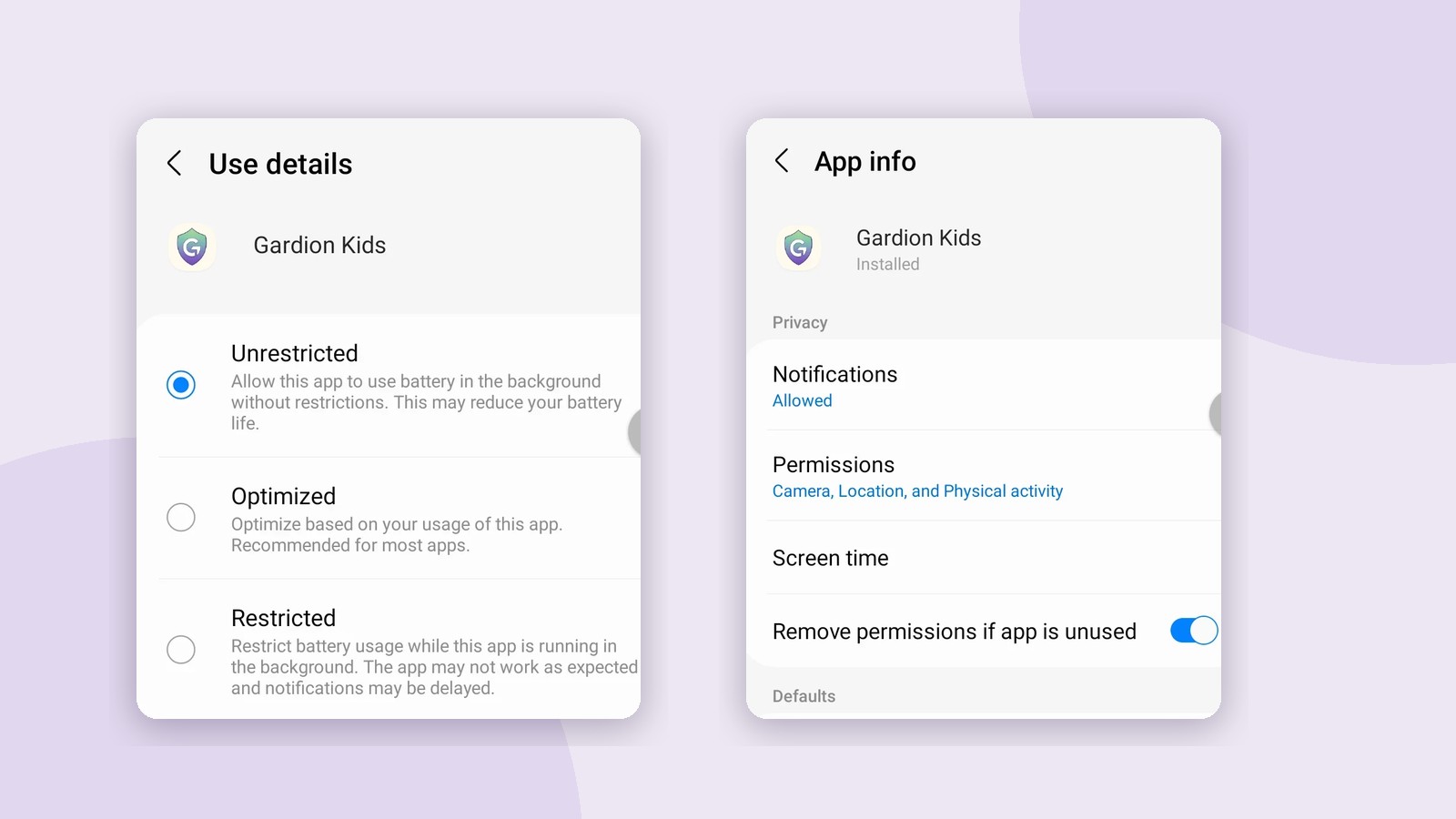
Your child asks you to approve an app: where that button lives

Three different permissions hide behind one phrase: downloading from Google Play, opening an app that is already installed, and installing one from outside the store. Here is where each is switched on, in Google and in Gardion.
Read →
7 min · read

Remote parental controls: what you can really do from your own phone

What a parent changes at a distance and what still needs the child’s phone in hand. Family Link, Screen Time and Gardion compared, with the delays and the limits.

Read →
6 min · read

Parental controls on Xiaomi: why they go quiet, and what Second space is

HyperOS unloads the control app from memory, and a child creates a second space where your rules do not exist. Four settings, and one feature nobody writes about.

Read →
6 min · read

Parental controls on iPhone: what Screen Time can do

Apple has no separate parental control app: everything lives inside Screen Time. What it does, which of its limits are structural, and what Apple adds this fall.

Read →
6 min · read

How to remove parental controls without deleting your child’s account

Turning off supervision, leaving the family group and deleting the account are three different operations. What to do in Family Link, on iPhone and in Windows so your child keeps their mail, photos and purchases.

Read →
6 min · read

No parent’s phone: what you can remove and what you cannot

The parent’s phone is lost, broken or out of reach, and the restrictions on the child’s phone are still there. What comes off from a browser, what needs the account, and what not to try.

Read →
7 min · read

How to Turn Off Parental Controls in 2026: Three Places to Look

Parental controls now live in three places: the supervision app, the phone’s own settings, and the app store or carrier. Here is where each one switches off.

Read →
6 min · read

Screen Time for Kids: Age-by-Age Limits That Hold Up in Real Life

Official screen time guidelines by age, what counts as screen time, and how to cut back without a nightly battle. With sources.

Read →
6 min · read

Family Link for Windows: Why It Does Not Exist and What to Use Instead

Google Family Link cannot manage a Windows PC; Google’s own help says so. What a parent can do: built-in Microsoft Family Safety, its ceiling, and when a dedicated app makes sense.

Read →
6 min · read

Is Roblox Safe for Kids? What Is Inside and How to Set Boundaries

Roblox is not one game but millions of user-made worlds, and adults sit in them next to children. What actually happens inside, where the money goes, and how to limit playtime without banning the game.

Read →
6 min · read

What Parents See in Monitoring Reports — and What They Never Will

What data parental controls collect, what shows up in the reports, and where care ends and surveillance begins. A point-by-point breakdown using Gardion as the example.

Read →
7 min · read

How to Turn Off Parental Controls on a Child’s Phone — Every Way

The child grew up, the password is lost, or a second-hand phone came with someone else’s Family Link. How to remove parental controls in each case without losing anything.

Read →
6 min · read

How to Limit Screen Time for Kids — Without a Fight Every Night

Three ways that actually work to cap computer time: built-in Windows tools, your router, and a dedicated app. What holds, and what a kid undoes in one evening.

Read →
7 min · read

How Kids Bypass Parental Controls: 5 Tricks They Actually Use

VPNs, clock changes, Safe Mode, a second browser, reinstalling — how kids bypass parental controls, and how to close each hole.

Read →
6 min · read

Parental Controls on Windows: What the Built-in Tools Do and Where They Fail

Microsoft Family Safety — what Windows’ built-in parental controls actually do, where the holes are, and how to close them.

Read →
7 min · read

Parental Controls Stopped Working on Android: What to Switch On for Honor and Samsung

No reports, zero screen time, and the app is still installed. The phone settings that switch parental controls off by themselves — paths taken from real devices.

Read →