Gardion
 14 days free, no card needed
 No auto-renewal
screen time
Control screen time
Limits by app and category, flexible schedules and break reminders.
You set the time and the schedule, and Gardion closes games and apps on Android and Windows when time is up.
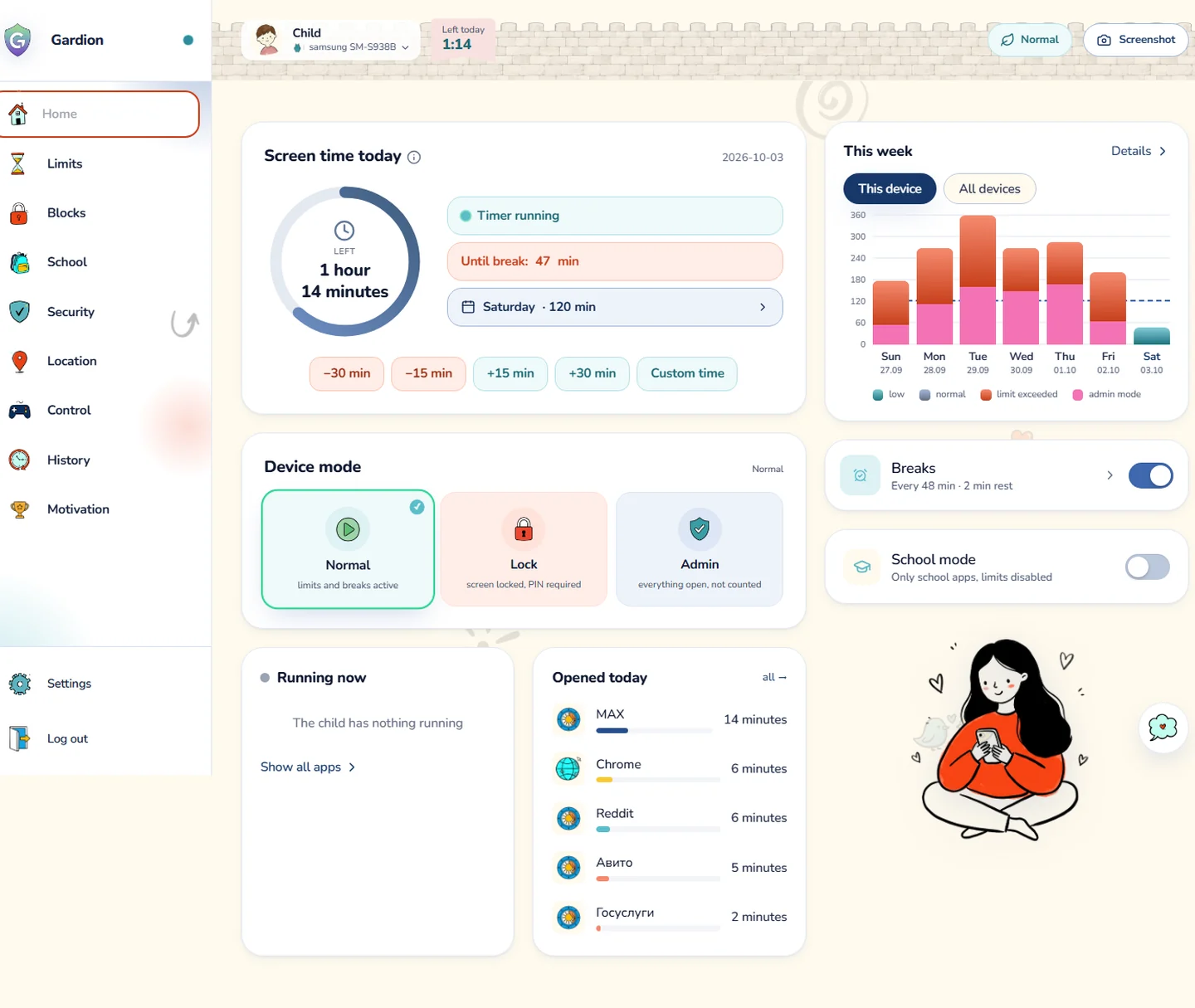

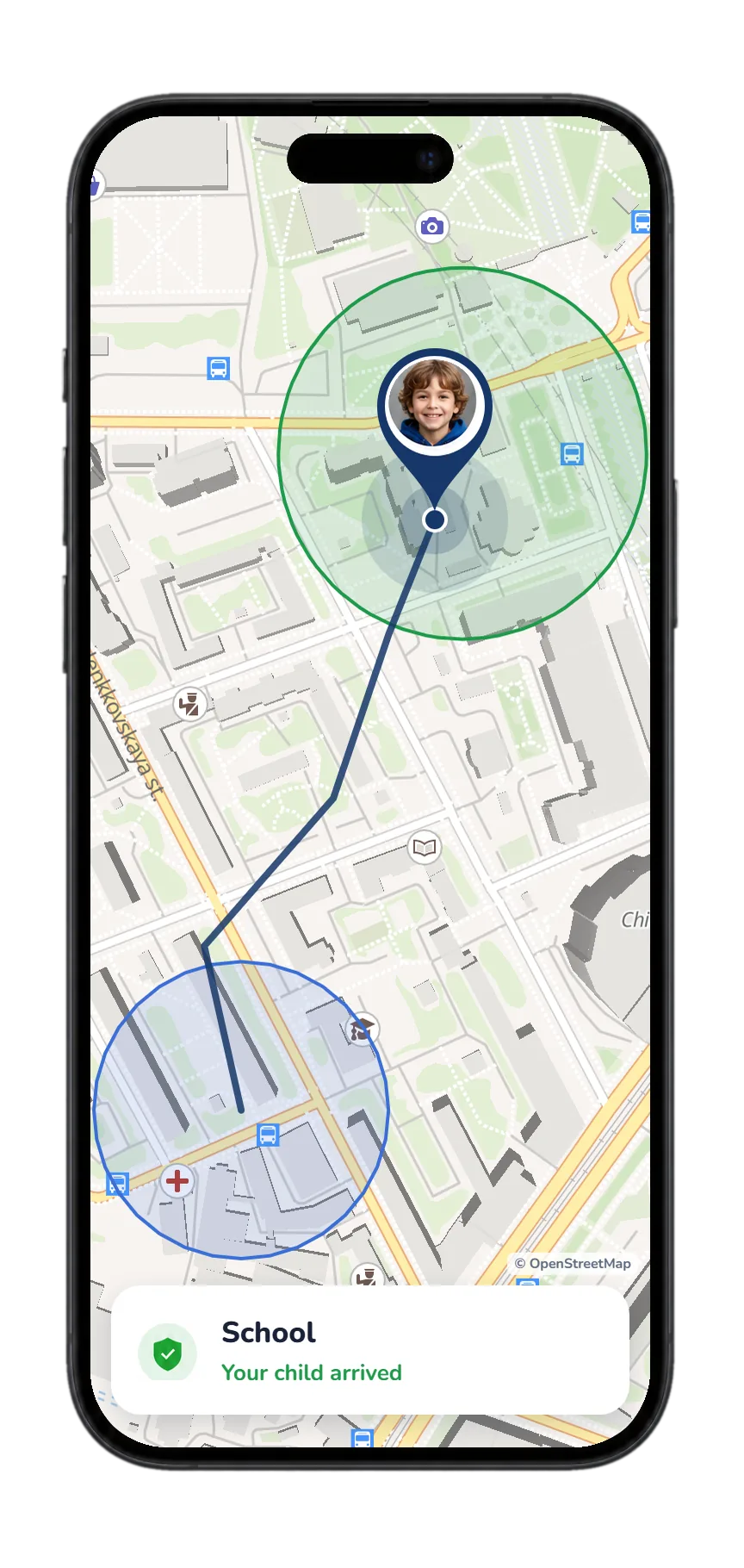


Set it up from your phone in a few minutes. The rules then run on their own.


Limits, the website filter, schedules, the map and SOS are all set in the parent app.
Your child’s PC or laptop has its own page: parental controls for a Windows PC.
Limits by app and category, flexible schedules and break reminders.
Website and app filters block unwanted content and unsafe resources.
School, downtime and sleep follow the schedule you set, and the rules switch on by themselves.
Location, safe zones, SOS and a direct line to the parent on the child’s device.
The button sits in the notification shade, in the ongoing notification and as a home-screen widget. Your child holds it for two seconds, and you get an alert with the location on the map.
Gardion notices third-party VPNs and clock changes, and restores deleted files on a PC.
Only learning apps stay available during school hours. Included in Premium.
Every child and device lives in one account.
See time in apps. Screenshots are taken only on request, in Premium.

The first 14 days are full access, no card needed. Nothing renews automatically: you renew the plan yourself.
Try it freeAfter the 14 days: one computer
1 PC · 1 child≈ $2.08 a month
up to 2 devices · 2 children≈ $2.92 a month
up to 5 devices · 5 childrenParent app for Android
Four short scenes show the parent dashboard, the child’s device and the main controls.
Time left today, per-app limits and stars for finished tasks.
Sections from limits and blocks to the map, history and stars.
When time is up, SOS, calls, the parent chat and a request for 15 more minutes stay on the lock screen. During a break the knight leads a warm-up; the camera counts the moves, and frames never leave the phone.
One tap switches between normal mode, lock, admin and school mode (school mode is in Premium). Below, you can see which days went over the limit.
A break with a warm-up, time for books, a walk, and the SOS button that shows mom on a map where her child is.
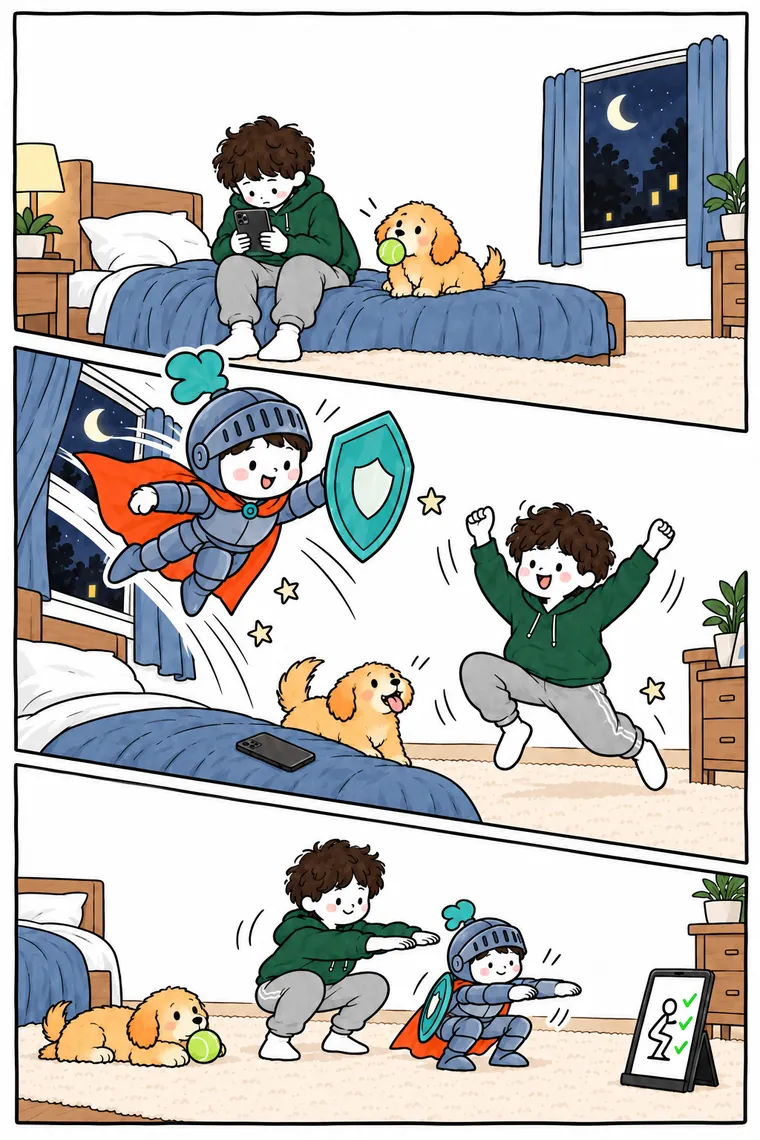
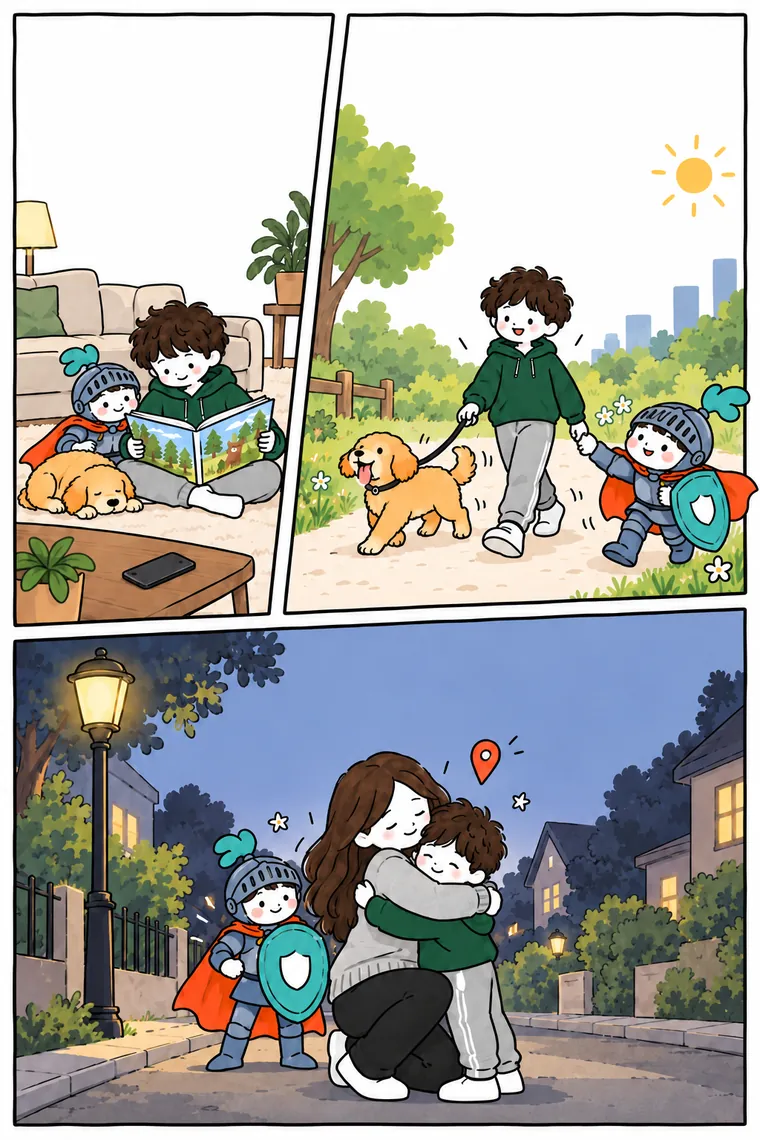
Children can see how much time is left, message a parent or ask for 15 more minutes. During a break, Gardion shows a short warm-up.

Protection active
Left today — 32 min
Until break — 18 min
A long press sends your location and a notification to your parent
 Chat
Chat Stars: 12
 School mode
 Ask for time
 I’m a parent
Gardion

 Phone
Phone ContactsChat with parentAsk for 15 minutesTrade stars (30) for 15 min
Hands up
Raise your arms out to the sides and up, then lower them!
Gardion shows one of ten full-screen exercises.
A parent sets how often a break comes and how long it lasts, and can end it from their dashboard.
The camera counts the moves on the device, and no video is uploaded. A parent can turn the camera off, and each break earns the child a star.

A parent creates a task and sets the reward. The child marks it complete, the parent checks the result, and saved stars can be exchanged for extra time or a family reward. Tasks, rewards and prizes are included in Premium.
Photo → parent review → +25
Rules run on the device itself, not only on your home network.
Gardion repairs itself on Windows, and Android settings are protected by a PIN.
Gardion blocks the main Windows bypass methods and alerts parents to tampering. New methods are added through updates.
No protection is absolute. Gardion makes bypassing the rules much harder and shows parents when a child tries to tamper with them.
Try it free

The six questions we hear most often.