 Gardion
Blog topic · 12 articles
Phones and devices at home
Every manufacturer hides the settings in a different place, so the guides go brand by brand: Samsung, Xiaomi, Honor, Huawei, realme, vivo, Tecno and Infinix. App stores, smart TVs, smart speakers and the home router have their own articles.
 7 min · read
Google Play parental controls: content ratings, purchases and what the store leaves out
Where Google Play parental controls live, how to set content ratings with a PIN or Family Link, what purchase approvals cover and how to add time limits.
 5 min · read
Parental controls on vivo phones: why they switch themselves off and the three settings that fix it
On vivo phones the system's own security center unloads parental control apps from memory. The three switches from vivo's support pages, paths for new and old Funtouch OS versions, and how to check the controls are working.
 3 min · read
Parental controls on TECNO and Infinix: what gets in the way and how to set it up
Why parental control apps stop working on TECNO and Infinix phones: Phone Master, HiOS auto-start and the greyed-out accessibility switch.
 7 min · read
Parental controls on realme: Kids mode, session limits and Family Link
realme Kids mode runs as a single session: time is up, the phone locks. Where the section lives in realme UI 4 and 6, what you set inside it, and why background activity matters.
 7 min · read
Parental controls on Honor phones: Family Link, Digital Balance and what they leave out
Whether Family Link runs on an Honor phone depends on the year it was made. The built-in Digital Balance tool step by step, the "My child" mode that blocks app installs, and the one thing neither of them can do from a parent's phone.
 8 min · read
Parental Controls on Smart Speakers: What Google and Amazon Actually Restrict
Why a smart speaker treats a child like the account owner until you set up voice recognition, how filters differ from parental controls, which of them exist only in the US, and where a speaker stops helping.
 8 min · read
Parental Controls on Huawei Phones Without Google Services
Family Link will not run on newer Huawei devices, and that is a Google restriction rather than a Huawei one. Here is what Digital Balance, AppGallery access control, a child HUAWEI ID and Kids Corner actually cover.
 7 min · read
App Stores Outside Google Play: What Family Link Actually Controls
Why sideloaded app stores refuse to install or update on a supervised phone, which switches in Family Link really apply, and what a store’s own kids mode does and does not cover.
 7 min · read
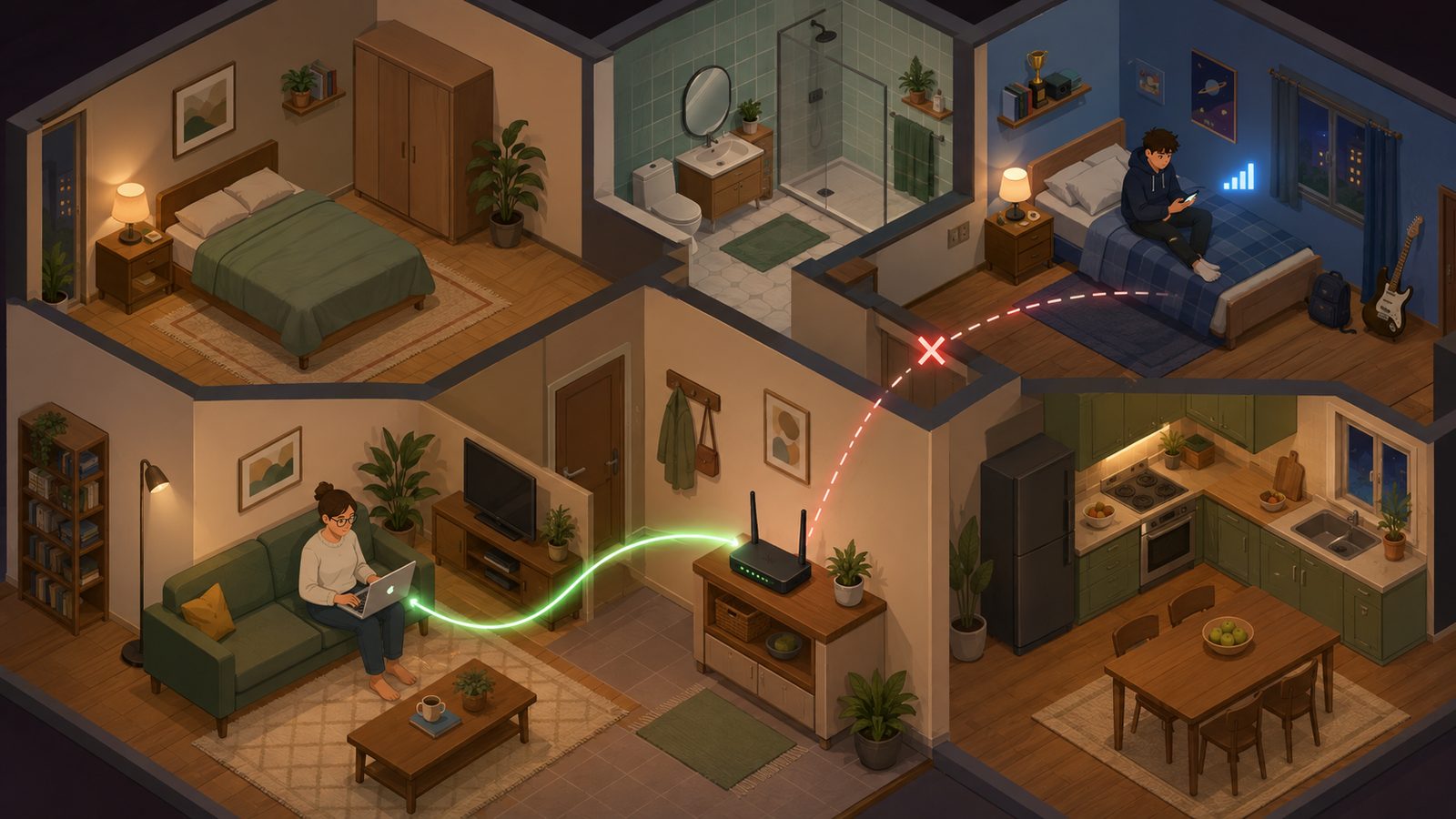
Parental controls on your router: what they cover and what walks straight past them
A router can cut the internet on a schedule, block domains and split devices into groups. Here is how to set it up, and the four situations where a router rule quietly stops meaning anything.
 7 min · read
Parental controls on Samsung: Kids mode, Family Link and the Knox folder
A Galaxy phone carries three separate mechanisms, and most parents only know one of them. What Samsung Kids actually limits, where Family Link takes over, and why the Knox folder is worth knowing about.
 7 min · read
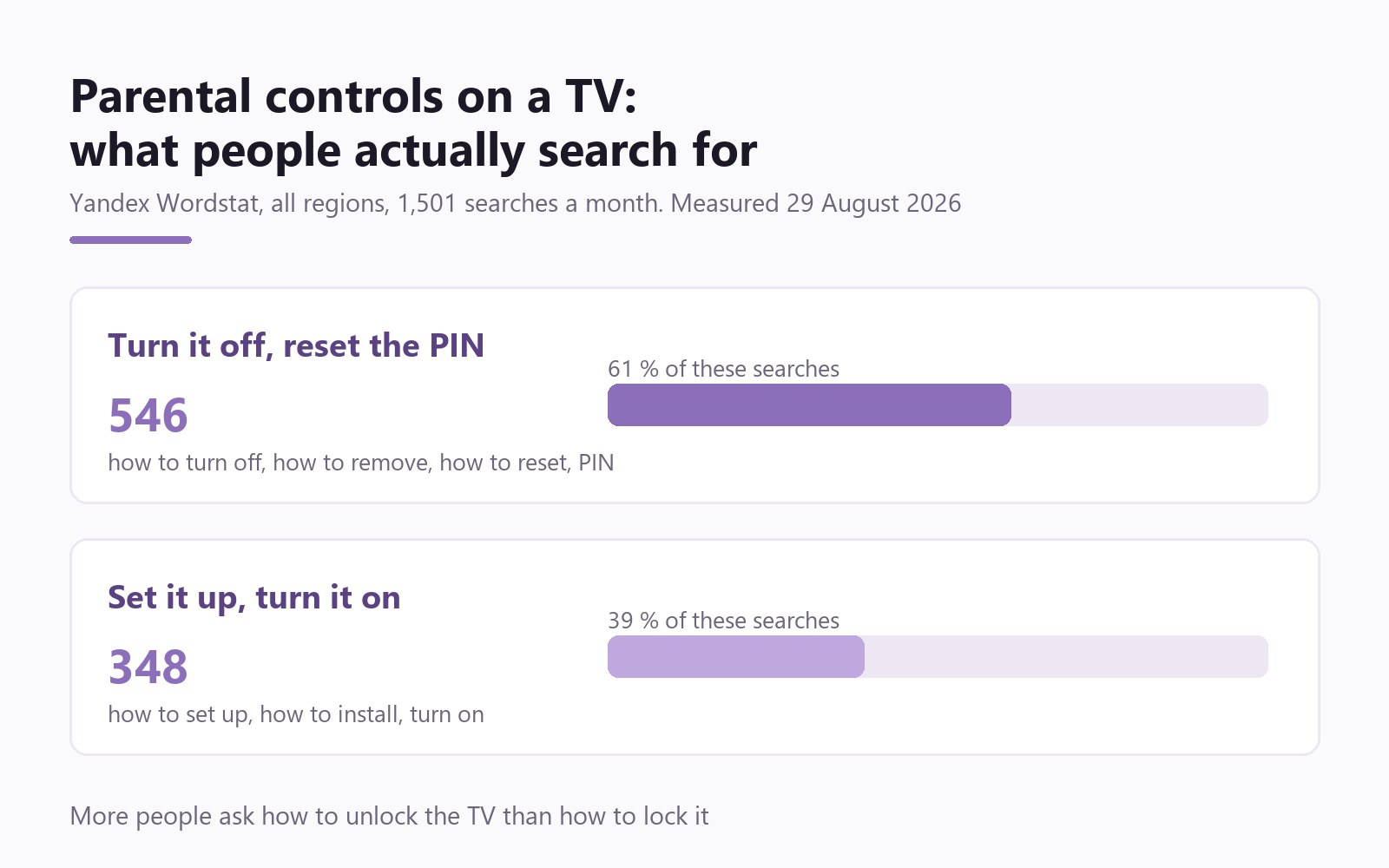
Parental controls on a TV: what the set does on its own and where it stops
Kids profiles on Google TV, program blocking on Samsung, the PIN on LG, and what to do when the code is lost. Which part of the job the TV covers, and which part it never will.
 6 min · read
Parental controls on Xiaomi: why they go quiet, and what Second space is
HyperOS unloads the control app from memory, and a child creates a second space where your rules do not exist. Four settings, and one feature nobody writes about.


Other topics
Set limits in ten minutes
Limits, schedules and bypass protection on Windows and Android. 14 days of full access, no card needed.
Try GardionOr install the parent app now.