 Gardion
Blog topic · 11 articles
Limits, schedules, websites and location
Each article covers one feature: a daily limit, a schedule, blocking apps and websites, browsing history, school mode, location or the SOS button. Start with the one your family argues about most.
 5 min · read
School mode on your child's phone: what stays open during lessons
Set up school mode on a child's phone: School time in Family Link, Screen Time Schedules on iPhone, and Gardion's school mode with a list of school apps.
 6 min · read
How to check your child's browsing history on a phone or computer
Where to find your child's browsing history in Chrome and Edge, what Family Link and Family Safety show you, and how to get the list of sites on your own phone.
 5 min · read
How to see your child's phone screen and what they see
How to see your child's phone screen with Gardion: you request a screenshot, your child confirms it on Android, and a Windows PC sends one within seconds.
 7 min · read
Parental controls in the browser: Chrome, Edge and Safari
Where the website filter lives in each browser, how the three Family Link modes differ, why Windows blocks other browsers, and what parents add next to it.
 6 min · read
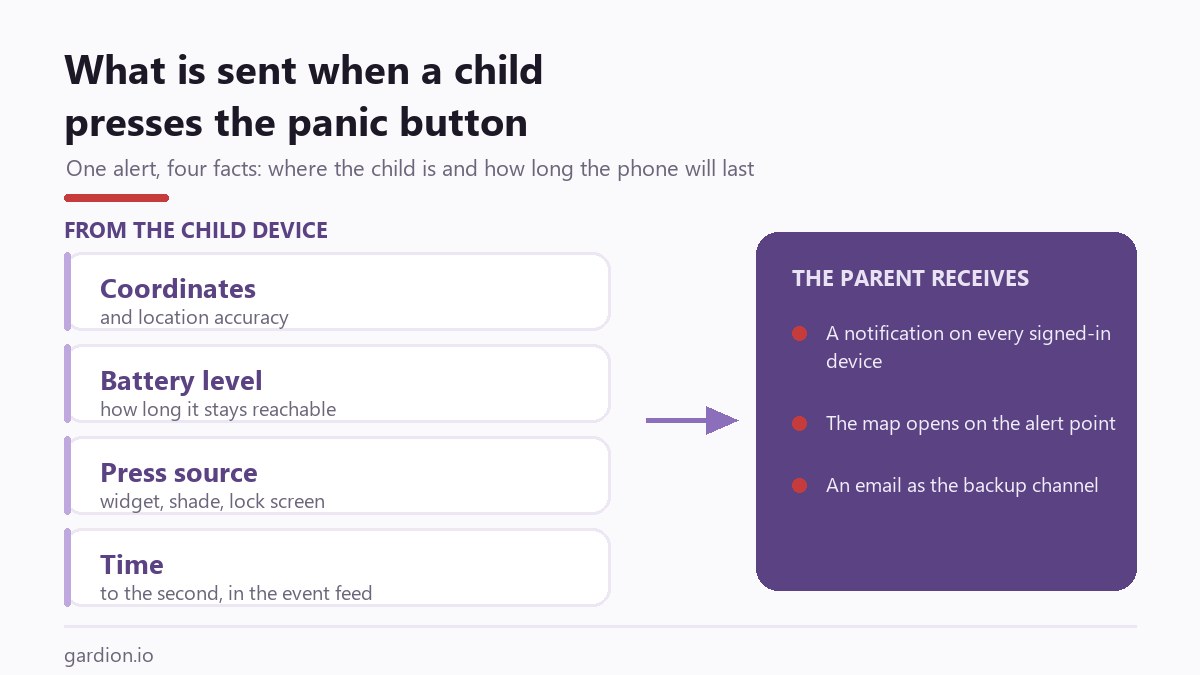
An SOS button on a child phone: what happens after the press
How SOS works in Gardion: where a child can press it, what is sent with the alert, what happens when location permission is off, and why every alert records who received it.
 6 min · read
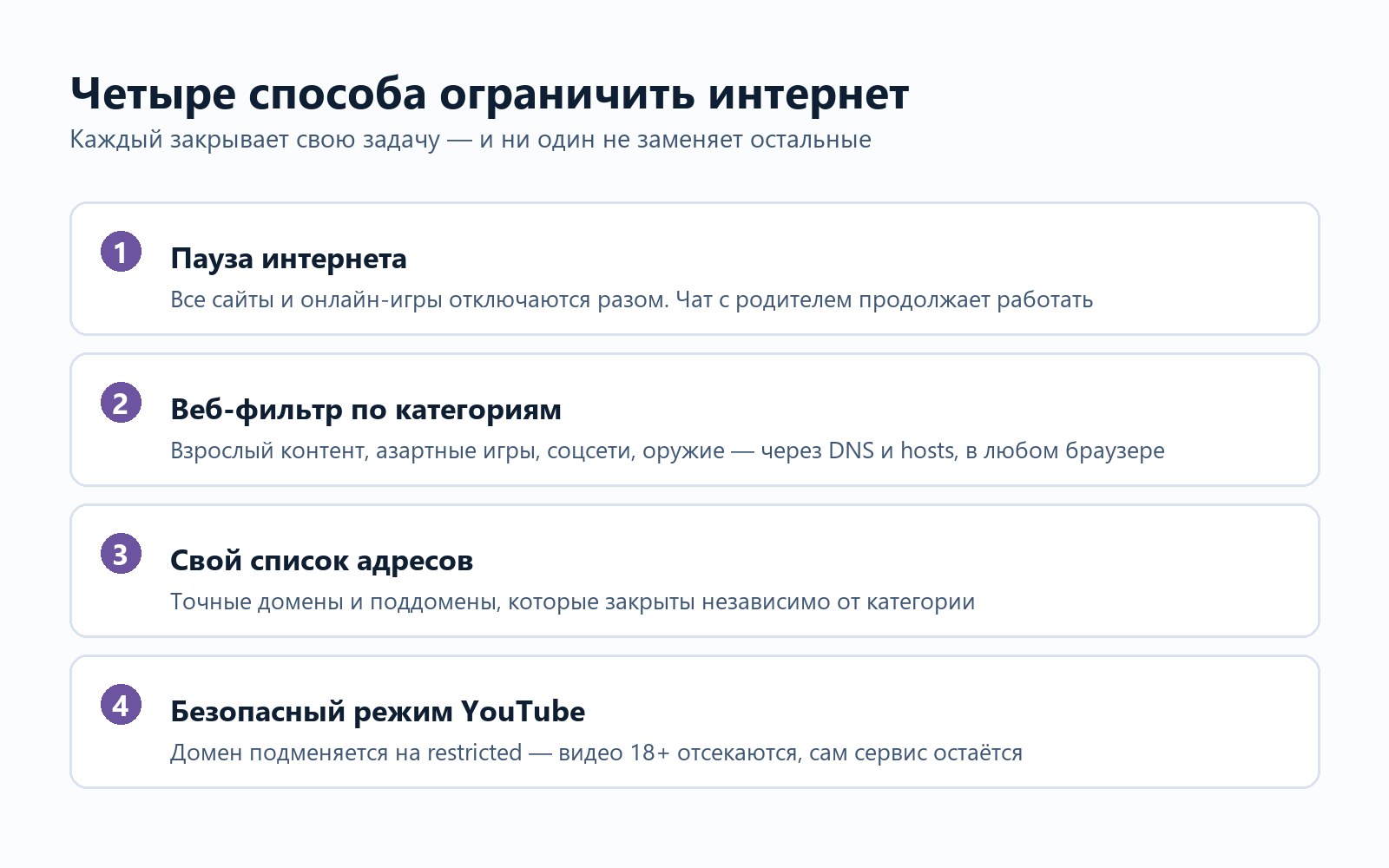
How to Limit Internet Access for Kids: Four Methods, Four Different Jobs
Pausing the connection, filtering site categories, blocking specific domains and restricted-mode YouTube are four separate settings. Which one fits which problem, and why the router and the carrier only cover half of it.
 6 min · read
Blocking apps on your child’s phone: what it covers and what it can’t
A limit on one app, a limit on a whole category, blocking a single app, and a full device lock are four different settings. Here is what each one does and where app blocking stops.
 6 min · read
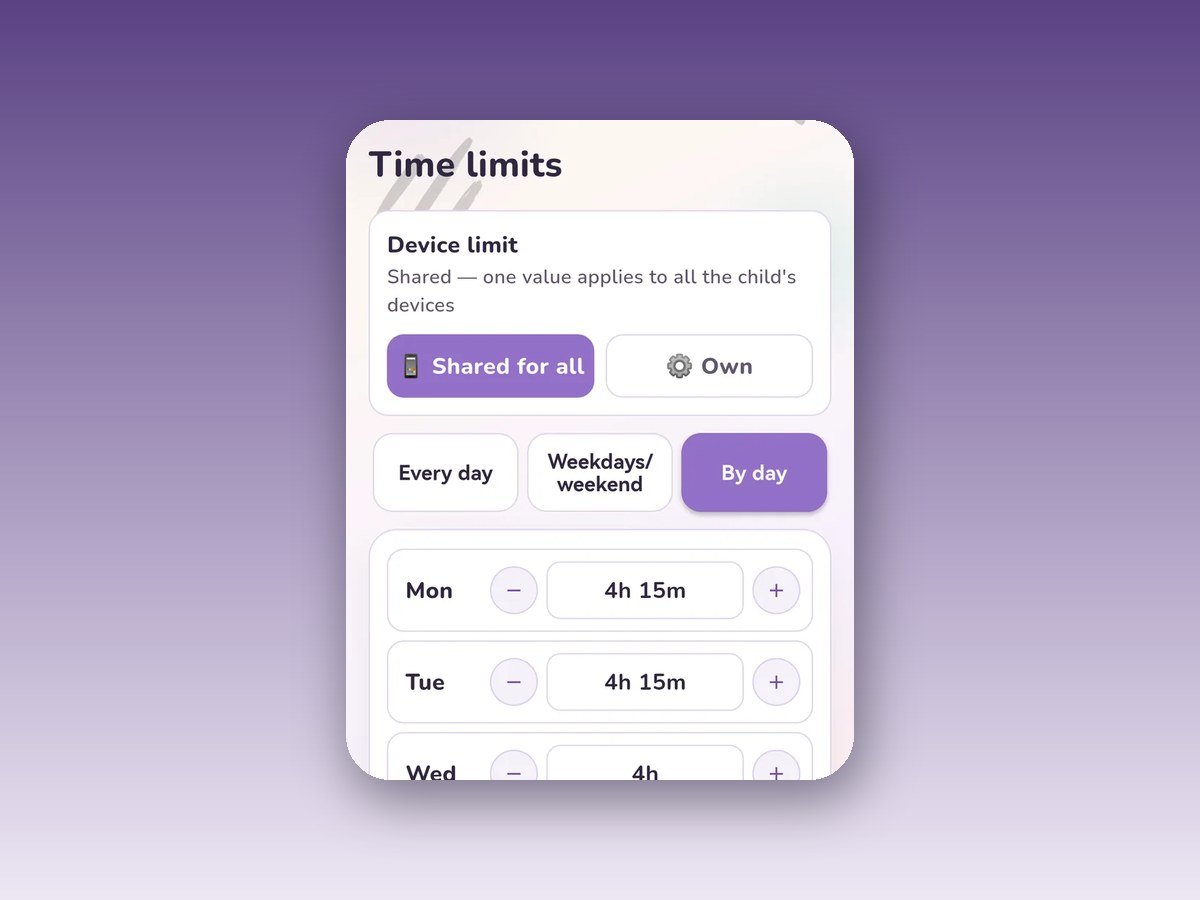
Schedules in parental controls: when the phone locks itself
Bedtime hours, separate windows for weekdays, weekends or any day of the week, School Mode with an allowlist, and six ready presets.
 6 min · read
Daily screen time limit: how it adds up and what happens when it runs out
The limit is set per weekday in fifteen-minute steps. What closes at "Time is up", which apps keep working, and how to grant extra time without rebuilding the schedule.
 6 min · read
Where is my child: how location works in parental controls
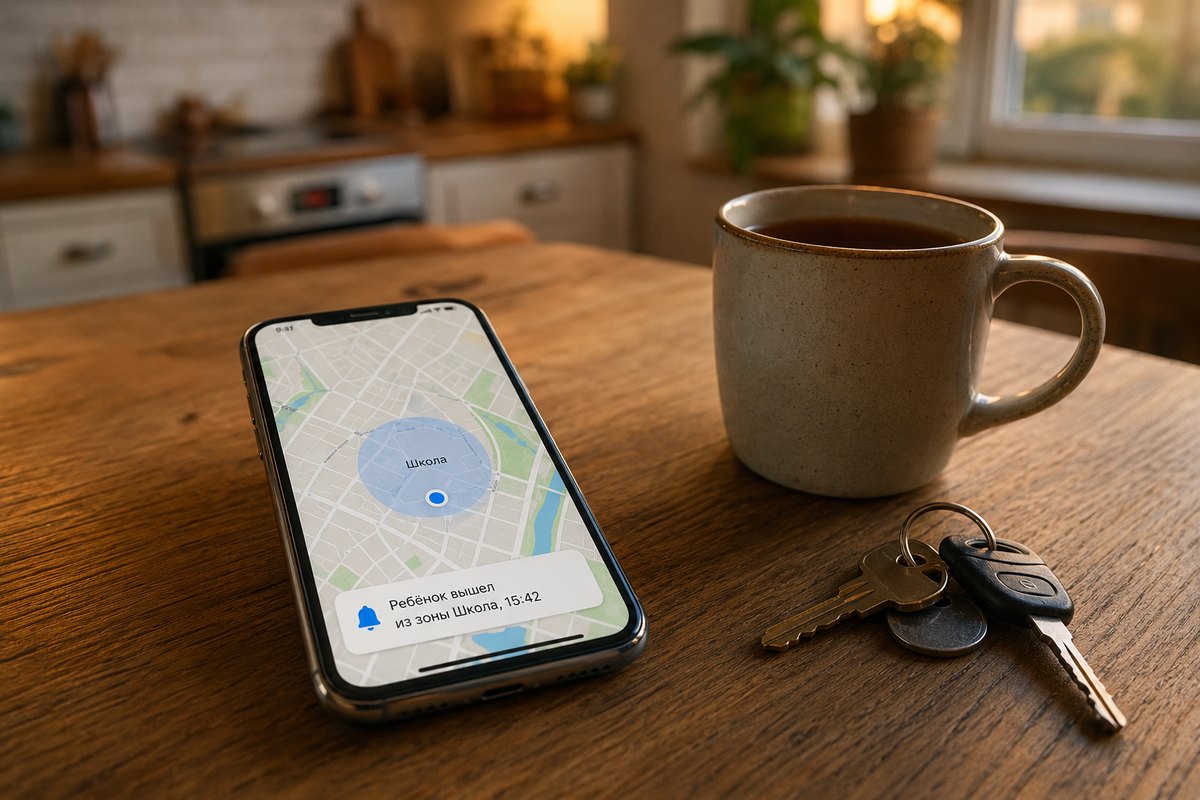
A fresh point on request within seconds, history for 6 hours to a week, home and school zones with enter and leave alerts. And the limits stated plainly: Android only, with the "Allow all the time" permission.
 7 min · read
Your child asks you to approve an app: where that button lives
Three different permissions hide behind one phrase: downloading from Google Play, opening an app that is already installed, and installing one from outside the store. Here is where each is switched on, in Google and in Gardion.


Other topics
Set limits in ten minutes
Limits, schedules and bypass protection on Windows and Android. 14 days of full access, no card needed.
Try GardionOr install the parent app now.