 Gardion
Schedules in parental controls: when the phone locks itself
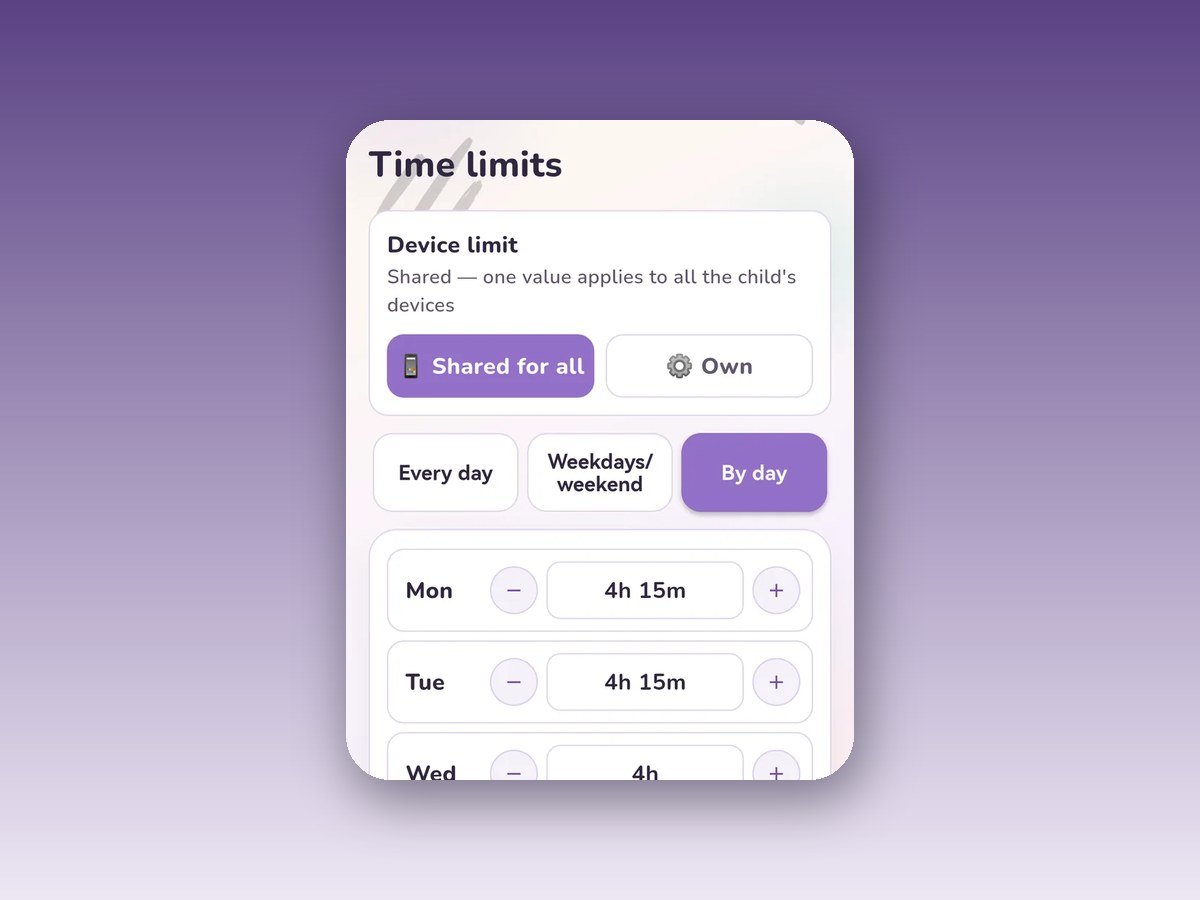
A daily limit answers "how much." A schedule answers "when." Mixing them up costs you the night: a child whose daily limit is untouched still scrolls at one in the morning, because the limit counts minutes, not hours of the day. Here is how bedtime hours work, how weekdays differ from weekends, what School Mode does, and where schedules stop today.
Bedtime hours: when the device is closed no matter what
Bedtime is a window in which the device stays blocked whether or not the daily limit has run out. The app puts it plainly: hours when the device is always blocked.
One consequence follows. Even if your child never picked up the phone all day and every minute is still unspent, the screen closes at the hour you set.
At that moment the child does not get a dead screen but a message: "Bedtime! Wrap things up". That line tells them what happened, so they do not assume the phone broke or that they are being punished.
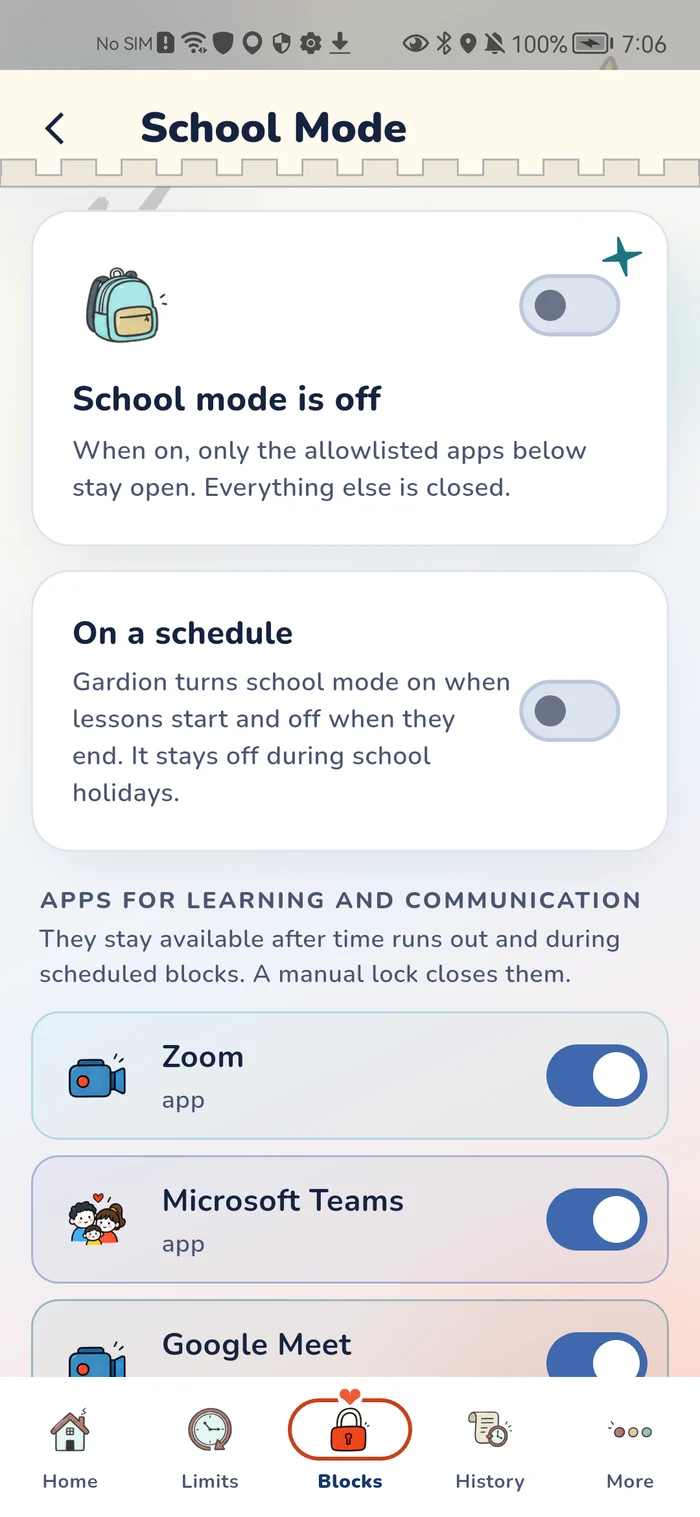
Some things keep working through bedtime: the apps on the School Mode allowlist, which usually means schoolwork, maps, transit, and the messenger your child uses to reach you. They can write to you at any point. Only a manual lock, which you turn on yourself, closes those too.
Weekdays, weekends, and per-day settings
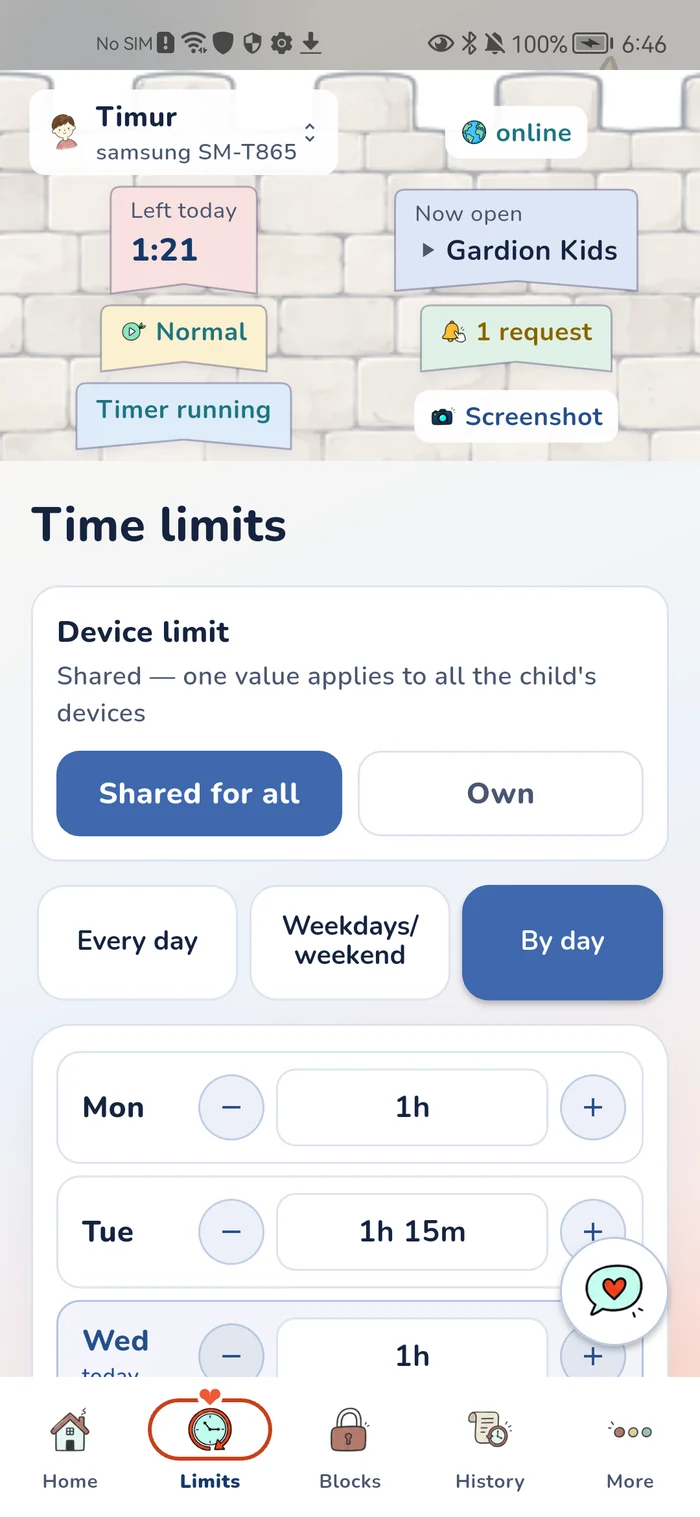
A schedule can be set three ways: the same every day, split between weekdays and weekend, or day by day. Weekdays run Monday to Friday, the weekend covers Saturday and Sunday.
Here the app itself states a limitation, and we will repeat it rather than hide it: the agent applies the first active schedule to all days, while multiple ranges and per-day filtering are still coming. One nightly window works reliably today. Different windows on different days are work in progress, and we are not going to describe them as finished.
Unlock for an hour without changing the schedule
The bus is late, the child is still on the way, and the phone closed at ten as scheduled. The parent panel has an "Unlock now" button: the lock lifts for an hour and the schedule itself stays as it is, so tomorrow at ten the phone closes as usual.
It is a one-off addition, not a settings change. It shows up in the activity feed next to everything else: when, on which device, by whom.
Presets instead of setting hours by hand
To avoid building a schedule from scratch, the app ships presets. Each one rewrites the limits for every day, the night schedule, and the school app list in a single tap.
School — Mon–Fri 60 minutes, night 22:00–08:00. Vacation — 3 hours, night 23:00–09:00. Weekend — 4 hours, schedule off. Guests — 4 hours, night 23:00–09:00. Holiday — 6 hours, night 00:00–10:00. Sick day — no limit, night 22:00–08:00.
Read them as two independent dials. "Sick day" drops the daily limit and keeps the night: a child who is ill can use the phone as long as they like and still goes to sleep on time. "Weekend" does the reverse, keeping a limit and clearing the schedule.
School Mode is a different kind of schedule
School Mode restricts the list rather than the clock: while it is on, only allowlisted apps stay open and everything else is closed. Daily limits do not apply during that window at all; the allowlist is what governs. School Mode is part of the Premium plan.
It switches off automatically, and that switch is its own entry in the activity feed.
Trading stars for extra time is disabled during School Mode and bedtime hours. Otherwise the schedule would turn into a negotiation: closed for the night, stars traded, open again.
What lands in the activity feed
The feed records schedule changes, School Mode turning on and off, and scheduled breaks.
That matters in one particular conversation. Your child says the phone unlocked by itself. The feed shows who changed the rules and at what minute, and the conversation gets short.
When a schedule stops applying
One case is worth knowing in advance. If the restrictions on the child’s phone are lifted, the schedule stops working along with the time limit and the blocks. The app stays on the phone and stays connected, history keeps recording, and you get a notification the same minute.
Second: bedtime hours only start working once setup on the child’s device is complete. Until the agent has all its permissions, the app reminds you with a separate notification, and until then the night is not closed.
Third: the free plan does not include the schedule, per-app limits or bypass protection: one computer remains there. The app says so where it offers to choose a plan, and we say it here so there is no surprise after setup.
In short
A limit counts minutes: how much screen time there is in a day. A schedule sets hours: when the device is closed regardless of whether those minutes are spent. Night is closed by the schedule, not by the limit.
Bedtime hours — the window in which the device is always blocked. For example 22:00 to 08:00, as in the School preset. A daily limit will not do this job: it ends when the minutes run out, not at a set hour.
Not yet. The agent applies the first active schedule to all days; multiple ranges and per-day filtering are in development. The daily limit, however, is already set per day.
Apps on the School Mode allowlist: schoolwork, maps, transit, and the messenger used to reach parents. Your child can write to you at any moment. Only a manual lock closes those apps.
The schedule stops working along with the time limit and the blocks. The app stays on the phone and stays connected, history keeps recording, and you get a notification the same minute.
Use the "Unlock now" button in the panel: the lock lifts for an hour, the schedule stays unchanged and fires as usual tomorrow. The action stays in the activity feed.
Set limits in 3 minutes
Limits, schedule and anti-bypass protection on Windows and Android. 14 days of full access, no card needed.
Try GardionOr install the parent app now.
Read next
- Kaspersky Safe Kids review: where to download it and why it doesn't blockWhere to download Kaspersky Safe Kids without Google Play, what it costs, what parents say in reviews, and why it doesn't lock the child's phone.
- Chore app for kids: how your child earns screen time with starsA chore app for kids that ties chores to screen time. You set a chore worth stars and check it by photo. Your child trades the stars for minutes or a reward.
- Xbox parental controls: screen time, age ratings, purchases and your PINHow to set up Xbox parental controls: where screen time and age ratings live, how to make purchases wait for your approval, and how to lock your own profile with a PIN. Plus what the console can’t see on your child’s phone.