 Gardion
Parental controls on Xiaomi: why they go quiet, and what Second space is
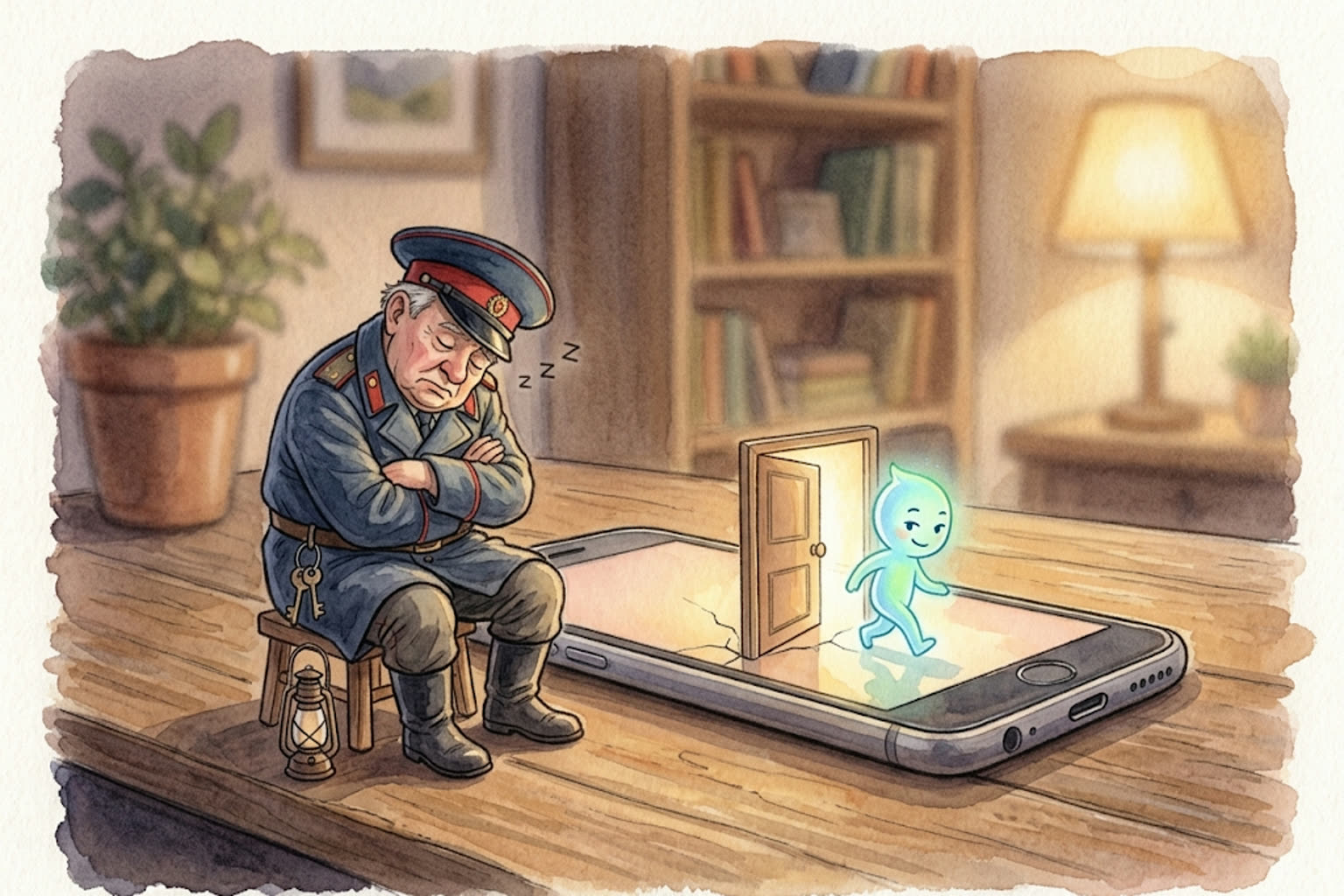
A parent installs a control app, everything works for a few days, and then the reports come back empty. On Xiaomi this has two separate causes, and they are fixed in different places. The first: the system unloads the app from memory to save battery. The second is more interesting: the phone has a built-in feature that creates a second phone inside it, and your app is not in that one at all.
First, a disclaimer: we have no Xiaomi device
Everything below comes from Xiaomi’s own documentation and from dontkillmyapp.com, an independent project that has spent years cataloging how manufacturers kill background apps. We did not film this on a live handset the way we filmed the Honor and Samsung settings.
Menu names drift between HyperOS versions: Additional settings in one, Advanced settings in another. If your item is worded slightly differently, look next to it, because the logic is the same.

Why the app goes quiet on Xiaomi
The problem is not the app. It is how MIUI and HyperOS treat background processes. Dontkillmyapp puts Xiaomi in the worst group on the market: with default settings, background work simply does not behave as it should, and apps that depend on it break.
For parental controls that means something specific: the app gets unloaded, restrictions stop applying, and the day’s report arrives empty. The phone is fine, the app is installed, the icon is still there.
Four places fix this, and the order matters: the first one covers most cases.
1. Autostart
This is the main switch. Without it the app cannot start itself after a reboot, or after the system has unloaded it.
Xiaomi’s documentation gives the path: Settings → Apps → Permissions → Autostart, then turn it on for the app you need.
Xiaomi warns in the same instruction: do not turn off autostart for apps you rely on for notifications. A parental control app is exactly that kind of app.
On older versions the same switch lives elsewhere: the Security app → Permissions → Autostart.
2. Battery saver: “No restrictions”
Second in importance, because the system restricts an app’s background work by default to save battery.
Security → Battery → App battery saver → your app → “No restrictions”.
In HyperOS the same switch is usually reachable through Settings → Apps → your app → Battery saver.
3. The lock in recents
The quickest route and the least obvious one. Open the recent apps list and pull the app’s card down, and a padlock appears on it. A locked app is not unloaded, even when you sweep everything away with Clear all. On some models you get the padlock with a long press on the card instead.
The same lock sits in the Security app: the boost section → the gear icon → App lock.
4. MIUI optimization
For stubborn cases where the first three did not help. It hides in the developer menu, and that menu opens after ten taps on the system version in About phone. Inside sits a MIUI optimization switch, and turning it off lifts some background restrictions.
Leave this one for last: it is a system-wide setting and it affects the whole phone, not one app.
Second space: a phone inside the phone
This one is a feature, not a fault, and almost nobody writes about it.
Xiaomi describes Second space as a separate, isolated environment inside your phone that works like a separate profile and lets you keep two independent sets of apps, settings, files and data on one device. The official purpose is a guest mode: hand your phone to someone without showing them your own space.
It takes four steps to switch on: Settings → Advanced settings → Second space → Turn on Second space. The system creates it and switches straight over, and a Switch icon appears on the home screen for hopping between spaces. The same item sits in the Security app, under general features.
Now the part Xiaomi does not write about, because for Xiaomi this is not a feature about children. Second space is a separate set of apps. A parental control app installed in the first space is not installed in the second one. It does not run there, sees nothing and reports nothing. Your child needs no root, no VPN and no knowledge of your password: four taps in Settings and the phone is clean.
How you notice. No notification reaches the parent, but there are indirect signs. A Switch icon appears on the home screen that you did not put there. Screen time in the reports drops sharply while the phone is in your child’s hands just as long as before. The battery drains as usual while the reported activity is close to zero.
A conversation works better than settings here. Second space is deleted with the same three steps and a trash icon, but a child who set it up once will set it up again. Other workarounds are covered in the article on how kids bypass parental controls.

A five-minute check
First. Autostart is on for the control app.
Second. Its battery saver is set to No restrictions.
Third. The app is locked in the recents list.
Fourth. There is no Switch icon on the home screen that you did not add.
Fifth. Yesterday’s report is not empty.
The first three cover “the controls are installed but silent.” The fourth covers the case where they run and show you nothing.
How this works on our side
Gardion survives being unloaded from memory: the app comes back by itself and sends whatever it did not manage to send. Second space is a separate system profile, though, and no parental control app looks inside it, ours included. Saying that plainly beats promising the impossible: the only way to learn about a second space is to spot the signs and talk.
In short
There is, built differently: they have their own autostart and battery optimization settings, and we covered those in a separate article with paths filmed on live devices.
No. It is a standard Xiaomi feature with official instructions on their site. It was designed as a guest mode, and children use it for exactly what it says on the tin: a place the parent does not look.
We found no confirmed way to block it with the phone’s own tools, and we are not going to invent one. What works is knowing it exists and being able to spot the Switch icon.
It happens: major updates reset background permissions. Run the five-point check again after each update; it takes a minute.
Set limits in 3 minutes
Limits, schedule and anti-bypass protection on Windows and Android. 14 days of full access, no card needed.
Try GardionOr install the parent app now.
Read next
- Can a child delete a parental control app on Android?Yes, a child can remove any parental control app installed from a store. Why Android works this way, what root and Device Owner change, and what to do next.
- Child account on Windows: why it should be a standard userWhy a child with administrator rights can remove any parental control app on Windows, and how to switch them to a standard account using Microsoft's steps.
- Parental controls on VK: the VK Video kids profile and app time limitsVK has a kids profile only in VK Video. How to set it up on a phone and a TV, which privacy settings to change for a teen on VKontakte, and how to limit time in both apps.