 Gardion
Is Roblox Safe for Kids? What Is Inside and How to Set Boundaries
Aleksandr Popov · · How we write our articles

Around 140 million people open Roblox every day, and your child is most likely one of them. From the outside the game looks harmless: colorful blocks, funny characters. Inside it is more complicated: strangers build the worlds, strangers write in the chat, and the in-game currency is bought with real money. Here is what goes on in there and which boundaries actually hold.
What Roblox actually is
Roblox is not a single game but a platform where users build their own worlds and open them to everyone. There are millions of them, from harmless pet simulators to “condo” rooms built specifically to sneak adult content past moderation.
A child hops between worlds in seconds, and a world with a similar name and cover can turn out to be something entirely different inside.
Who sits next to your child
The company publishes the numbers itself: among age-checked players, 27 percent are adults over eighteen, and 35 percent are children under thirteen. Adults and children share the same worlds and the same chat.
In 2026 Roblox started estimating age from a face scan and introduced separate accounts for younger kids — the very existence of these measures shows the scale of the problem, since before them age was just a number in a form.
Robux and money
Everything inside sells for Robux, and Robux sells for real money. Skins, world passes, boosters: the offers are built so that the desired item is always just a little out of reach.
Parents usually learn the scale from the card statement. Remove the linked card right away and switch purchases to gift cards with a fixed amount: that way you set the spending ceiling yourself.
Roblox’s built-in settings and their limit
Roblox does have parental settings: age-based accounts for younger kids, chat restrictions, a PIN for changing settings. Turning them on is worth it in any case, as a free first layer. If your child talks to other players on Discord, it has its own Family Center, covered in Discord parental controls.
The layer has a ceiling of its own. The settings live inside Roblox and know nothing about time: they do not cap how many hours a child spends in the game. And removing them is easier than it seems if the child knows the password to the email behind the account.
A time limit instead of a ban
A full ban on Roblox usually loses: the child finishes the session at a friend’s place, and a war starts at home. A firm boundary works more calmly: forty minutes or an hour a day, on a schedule, with no exceptions at night.
The limit has to live outside the game, at the device level. Then it cannot be undone from inside, and it works the same on the phone and on the computer.
How to limit Roblox in Gardion
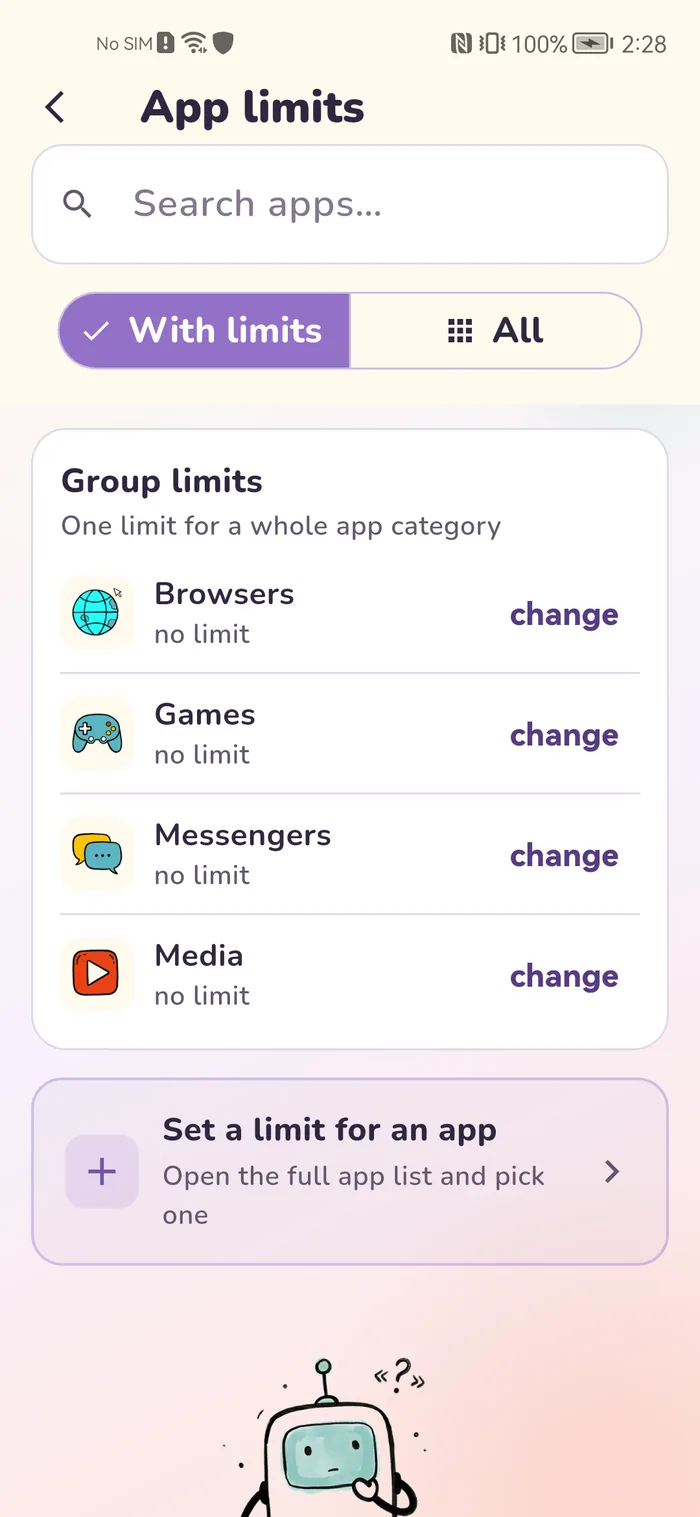
In Gardion the limit goes on the app itself: forty minutes of Roblox a day, and after that the game closes while homework, drawing, and calls keep working. A schedule closes the game during school hours and after bedtime.
Roblox lives on the computer too, so the limit applies on both Windows and Android from one parent dashboard. A full breakdown of the risks lives on the Roblox page; for the computer, see the Windows page. Trying it is free: 14 days of full access, no card needed.
In short
Roblox itself introduced separate accounts for younger children with reduced communication. For a younger schoolkid it makes sense to play only in those, with parental settings on and an adult nearby.
Yes, communication restrictions are part of Roblox’s built-in parental settings. For younger accounts communication is reduced by default.
Remove the linked card and switch to gift cards with a fixed amount. The spending ceiling then equals the card value.
No. A Gardion limit applies to a specific app: the counter runs only in Roblox, everything else works as usual.
Set limits in 3 minutes
Limits, schedule and anti-bypass protection on Windows and Android. 14 days of full access, no card needed.
Try GardionOr install the parent app now.
Read next
- Standoff 2 parental controls: age rating, gold, chat and screen timeStandoff 2 carries three age ratings: Teen on Google Play, 13+ on the App Store and 16+ from the studio itself. What to decide about gold purchases and chat, and how to set a time limit for the game.
- How to limit TikTok on your child's phone: app limits, daily limits, and blocking modsSet a daily limit on the app itself, cap total daily time on the phone, and block modded builds. Here is why a single TikTok block lasts about one evening.
- Xbox parental controls: screen time, age ratings, purchases and your PINHow to set up Xbox parental controls: where screen time and age ratings live, how to make purchases wait for your approval, and how to lock your own profile with a PIN. Plus what the console can’t see on your child’s phone.
- Parental controls on VK: the VK Video kids profile and app time limitsVK has a kids profile only in VK Video. How to set it up on a phone and a TV, which privacy settings to change for a teen on VKontakte, and how to limit time in both apps.