 Gardion
What Parents See in Monitoring Reports — and What They Never Will
Aleksandr Popov · · How we write our articles

“That’s just spying on your kid” is the most common objection to parental controls, and the question behind it is fair. The line between care and surveillance does exist, and it runs through a specific list: what the app collects, what it shows the parent, and what the child knows about it. Here is that list, item by item, using Gardion as the example — we drew this line deliberately.
What ends up in the reports
Parental controls run on the child’s device and see system events: which app is open, how many minutes it ran, which site was requested. The daily report is built from these events.
The point of the report is not a log of every step. It answers two parental questions: what is the child busy with, and is it time to step in.
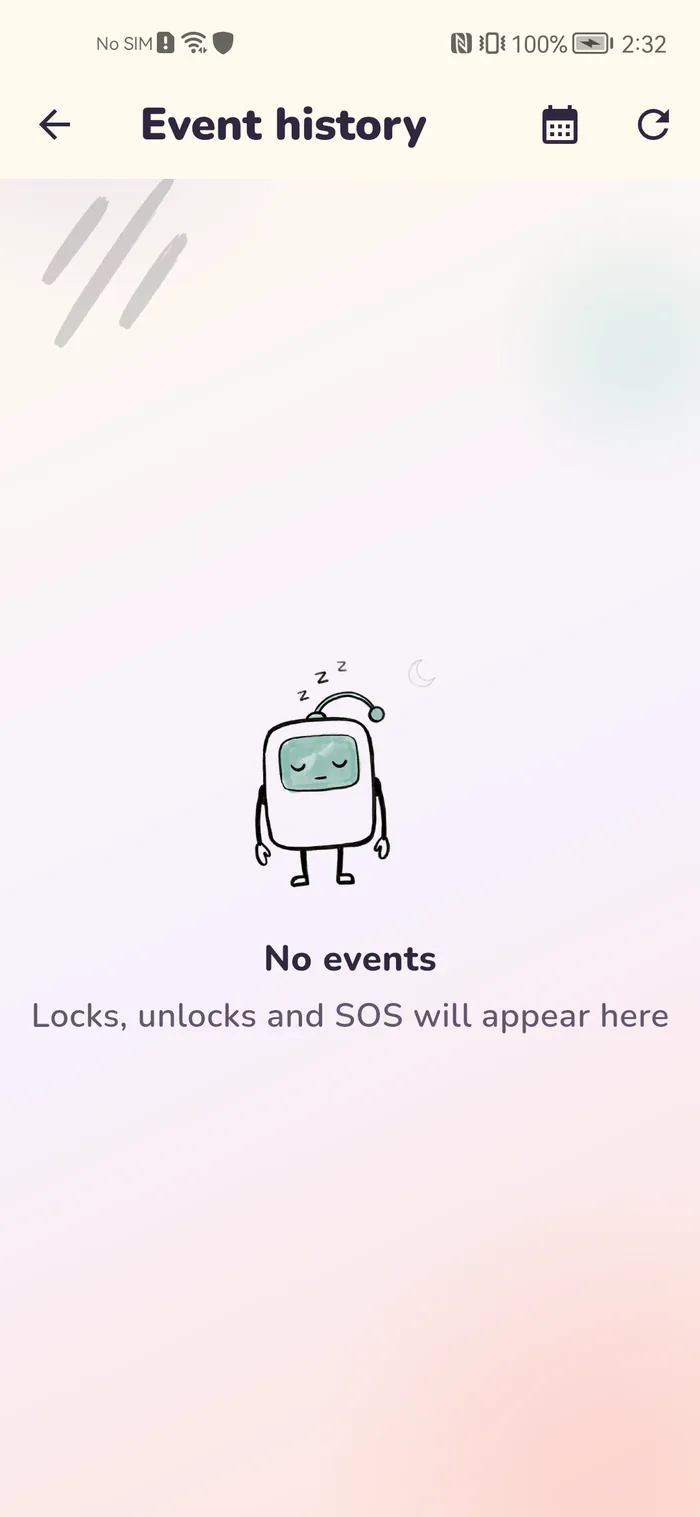
Screen time and apps
The base layer is the time counter: minutes per day, per app, at what hours. It shows where the evening went: an hour in Roblox, half an hour of videos, twenty minutes in a study app.
The same layer drives the limits. When the counter reaches the line, the app closes, and the number from the report turns into an action.
A lot of minutes in a report doesn't mean addiction by itself. We explain which signs psychologists look for in signs of phone addiction.
Sites and search
The browser history is visible: which sites were opened and when. That is enough to spot trouble not from a single site but from the pattern: late-night visits, an abrupt change of topics, adult resources.
Page contents and what the child typed on a site never reach the reports. Where to find the history in the browser itself, and what to do about a site you found, is covered in our guide to checking your child's browsing history.
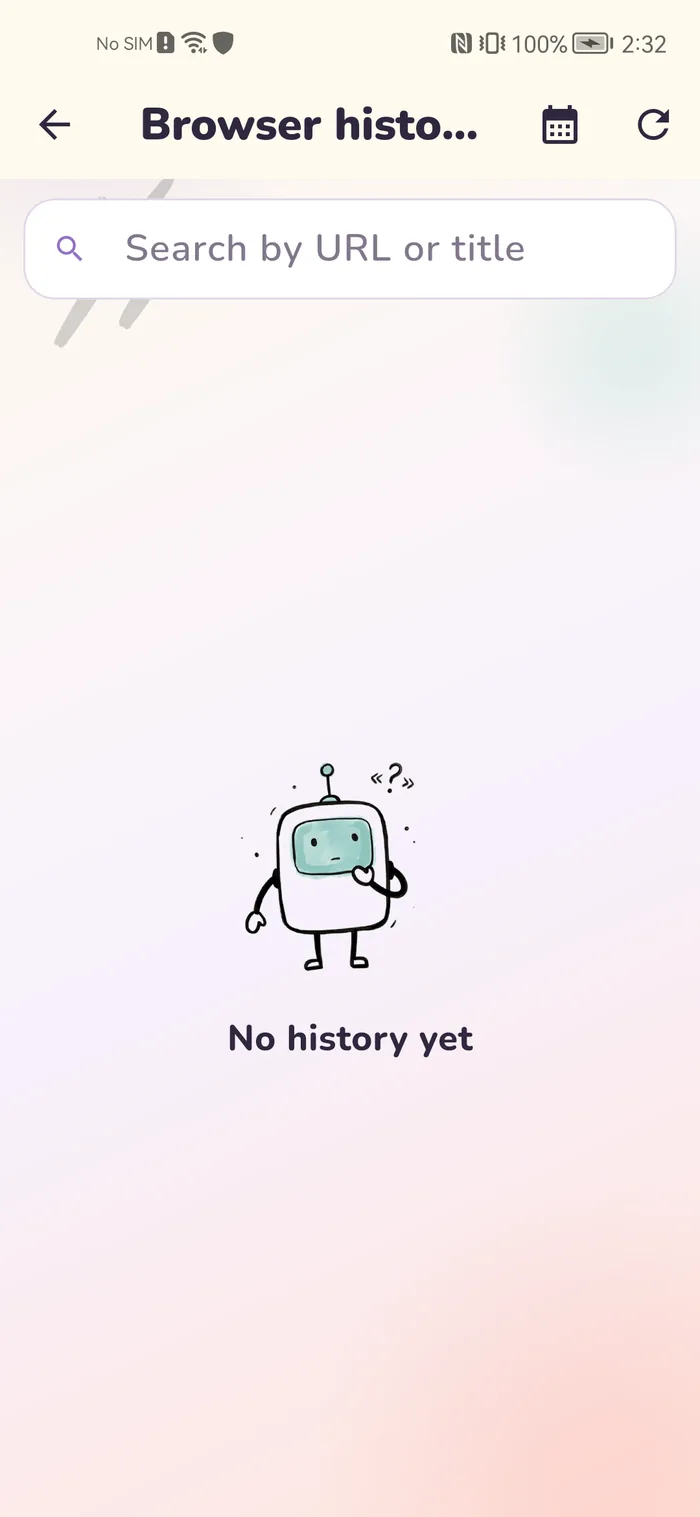
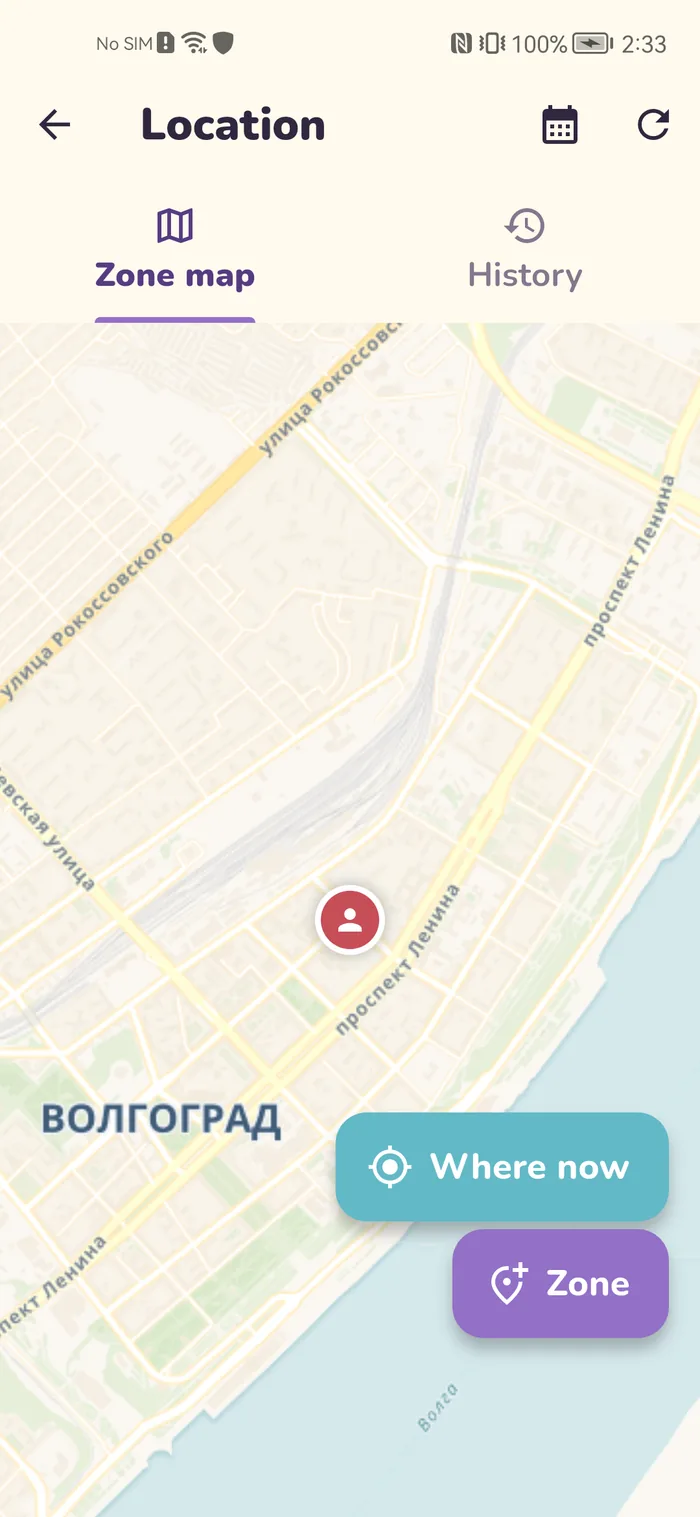
Location
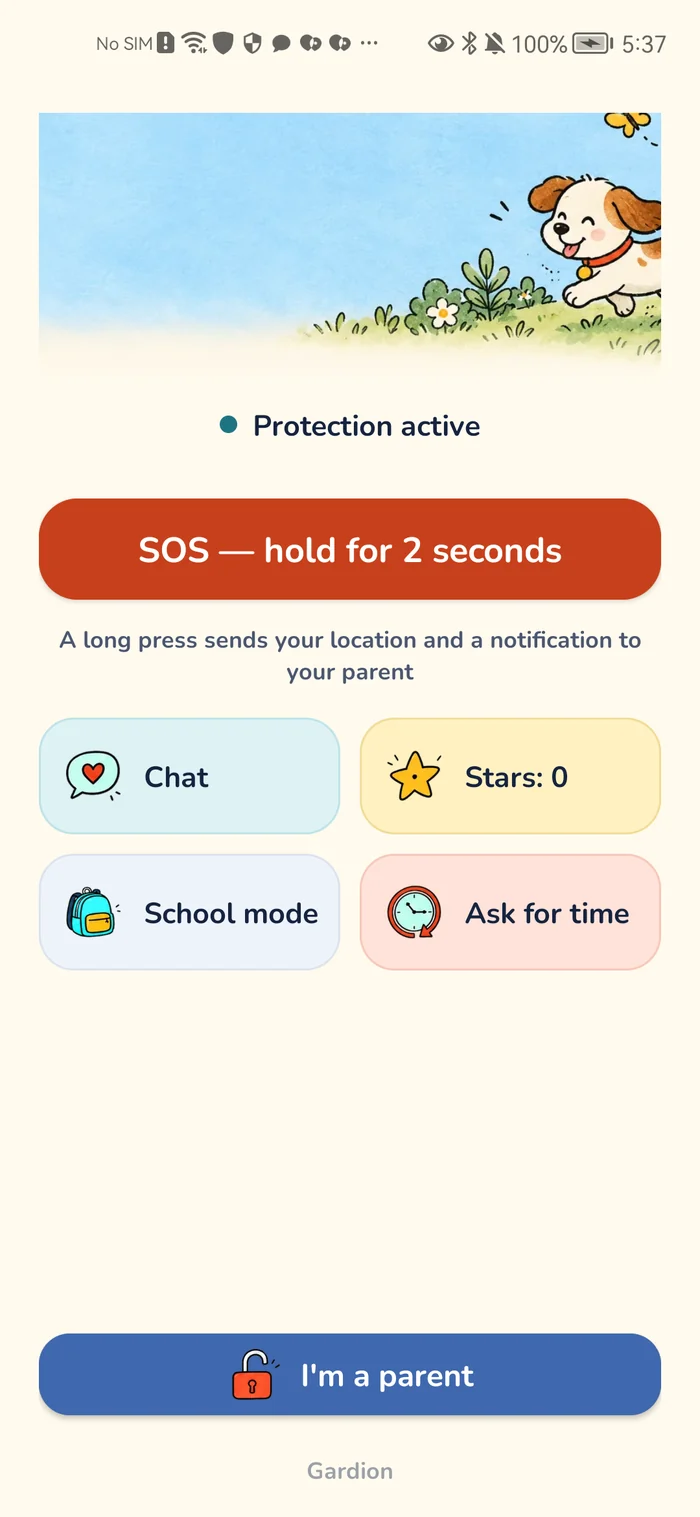
On Android the parent sees a dot on the map and zone events: arrived at school, left home. The SOS button sends the parent the location and battery level on a long press — by the child’s own decision.
Gardion does not draw a permanent route with every stop: the map answers “where are they now,” zone events answer “did they get there.”
What we refuse to do
We do not read messages: not in messengers, not in comments, not in game chats. We do not record the screen; a screenshot is taken only on the parent’s explicit request. We do not switch on the microphone or listen to the surroundings.
The reason is simple: time, access, and the shape of the day are enough for parental decisions. Anything deeper turns control into reading a diary — and breaks the trust every family agreement rests on.
What the child knows about it
Everything. The child’s screen shows a helper: minutes left, when the break comes, a button to ask for more time. Gardion has no hidden mode, and that is a deliberate choice: controls the child knows about are a rule of the game; controls they do not know about are surveillance.
Openness works for the parent too: the child argues with a timer instead of hunting for a hidden bug.
How Gardion puts it together
The daily report lives in the parent dashboard: time per app, events, sites, the map. Limit and schedule settings sit right next to it: you see a problem, you adjust the rule.
The full list of what is collected and how it is stored is open in the privacy policy. See the dashboard in the live demo. Trying it is free: 14 days of full access on Android and Windows, no card needed.
In short
The child cannot erase the history from inside the app. If the controls stop sending data, that is visible in itself: the device goes offline in the parent dashboard.
No. We do not read messages anywhere: not in messengers, games, or comments. The reports show how long a messenger ran, not what was said in it.
No, only on the parent’s request, and that feature is part of Premium. There is no continuous screen recording.
Show them exactly what the reports contain — that is usually enough to remove the fear that “parents read everything.” Time and access are the family agreement; private messages are not part of it.
Set limits in 3 minutes
Limits, schedule and anti-bypass protection on Windows and Android. 14 days of full access, no card needed.
Try GardionOr install the parent app now.
Read next
- Family Link not working: five reasons the limits stop applyingThe limit is set, yet the phone never locks and reports stay empty. Five reasons Family Link stops working: the system kills the app, the phone is offline, permissions were revoked, limits never covered everything, and the child turned 13.
- Android Digital Wellbeing vs. parental controls: what the app does and where it stopsWhat Android's Digital Wellbeing app does, why its app timers won't stop a kid, how to turn it off, and how it differs from parental controls and Family Link.
- How to set up parental controls for freeWhat you can set up for free on a child's phone and computer: Android 17 controls, Family Link, Screen Time, Family Safety. And the point where you start paying.
- How to set up parental controls on a child's tabletWhose tablet it is, whether it has Google Play, and what changes on Huawei, Samsung and Lenovo. Set up a child's tablet and keep one daily limit across devices.