 Gardion
How to remove Qustodio from a child’s phone
Qustodio won’t uninstall by long-pressing its icon. It makes itself a device administrator, adds an accessibility service and a local VPN — so the normal “Uninstall” does nothing. Here is how to remove it fully, in order, with screenshots from a real Samsung tablet.
Why the normal uninstall does nothing
Qustodio’s kids app holds three things that keep it on the phone: device-administrator rights, an accessibility service, and VPN rights to filter traffic. While the device-administrator role is active, the uninstall button won’t actually remove it — that role has to go first.
On Google Play the Qustodio kids app sits at 1.5 stars across five thousand reviews.
Remove it in four steps
- 1
Open Qustodio Kids in App info
Settings → Apps → Qustodio Kids. “Force stop” is greyed out, and tapping “Uninstall” won’t remove the app straight away — you have to drop its device-administrator role first.
- 2
Tap “Uninstall”, then “Deactivate and uninstall”
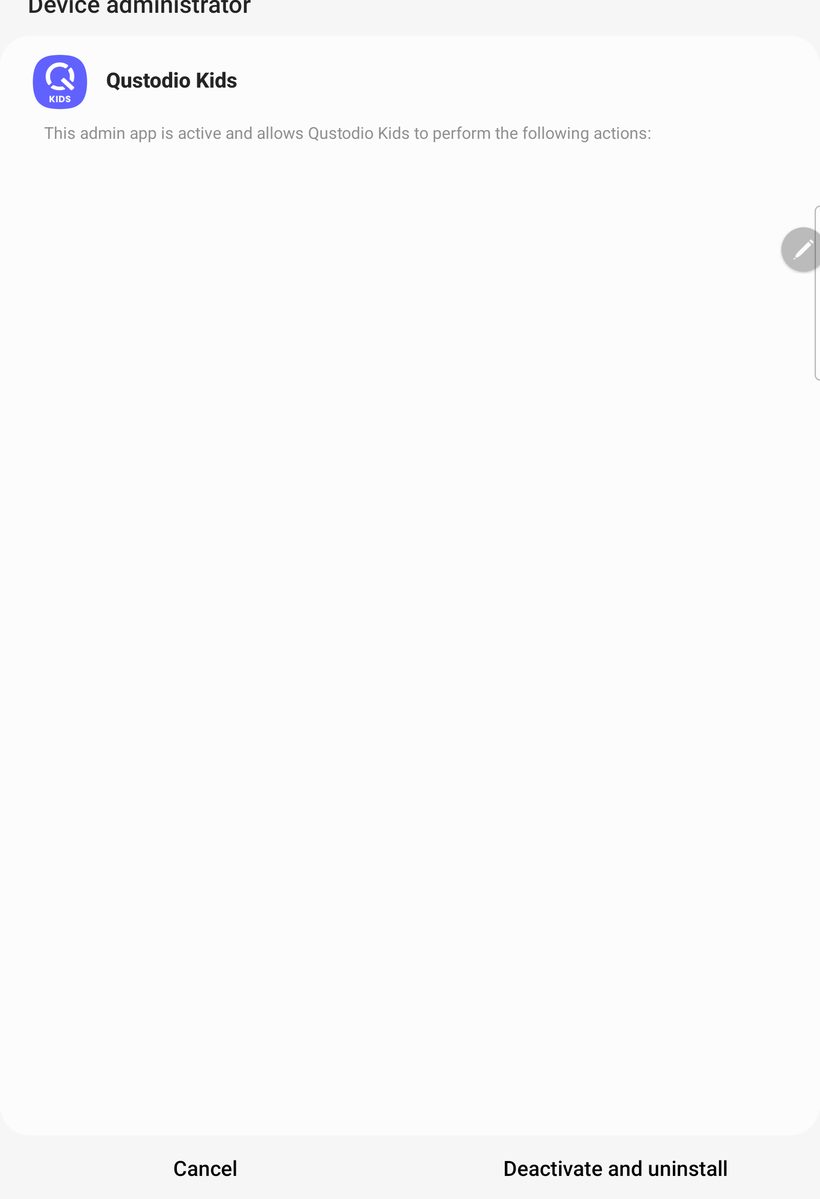
Android shows a “Device administrator” screen: Qustodio is active as an admin. Tap “Deactivate and uninstall” at the bottom — the role is removed and the app can be deleted.
A real screen from a Samsung tablet - 3
Confirm the removal
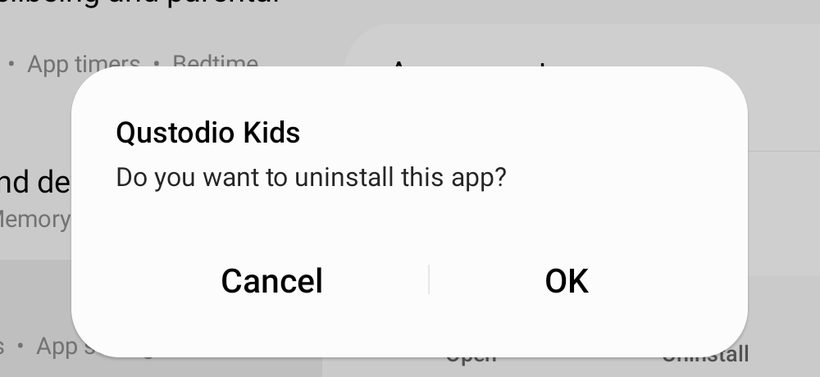
A normal “Do you want to uninstall this app?” prompt appears. Tap “OK” and Qustodio is gone from the phone.
A real screen from a Samsung tablet - 4
Turn off the accessibility service
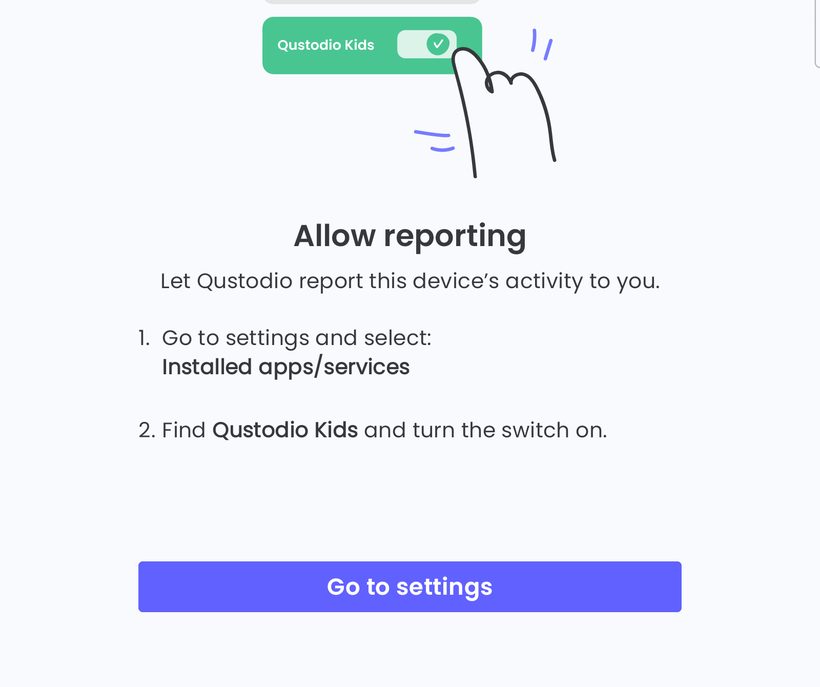
Settings → Accessibility → find Qustodio and turn the switch off. The app asked you to enable it during setup — turning it back off leaves no monitoring behind.
A real screen from a Samsung tablet


How to check it worked
The VPN key icon in the status bar is gone, and Qustodio is no longer in the apps list.
Questions parents ask
It’s the device administrator. Remove that role in step 2 — after that, uninstalling works the usual way.
Qustodio routes traffic through a local VPN to filter sites. Once the app is removed, the icon disappears on its own.
The Settings → Apps route doesn’t need the Qustodio password — it works without it. The password is only asked inside the app when you change settings.
Why we built Gardion differently
Qustodio comes off in a couple of minutes once you know the Settings route — a teenager manages it too. Gardion is also a device administrator, but if the child opens the uninstall screen or the one that turns protection off, it pulls them away and signals the parent at once.
See how Gardion works