 Gardion
How to remove Find My Kids (Pingo) from a child’s phone
The Find My Kids child app is called Pingo. It makes itself a device administrator and adds an accessibility service, so dragging the icon to the bin won’t work. Here is how to remove it fully, in order, with screenshots from a real Honor phone.
Why Pingo won’t uninstall normally
Pingo installs itself as a device administrator — the app module that does this is literally named “antiremoval” — and it adds an accessibility service. It also records the audio around the phone and reads its location. While the device-administrator role is active, a normal uninstall does nothing — that role goes first.
On Google Play Pingo sits at 4.6 stars across 344,000 reviews.
Remove it in four steps
- 1
Open Pingo in App info
Settings → Apps → Pingo. “Force stop” is greyed out and “Uninstall” won’t remove it straight away — drop its device-administrator role first.
- 2
Tap “Uninstall”, then “Deactivate and uninstall”
A “Device administrator” screen opens: Pingo is active as an admin. Tap “Deactivate and uninstall” at the bottom — the role is removed and the app can be deleted.
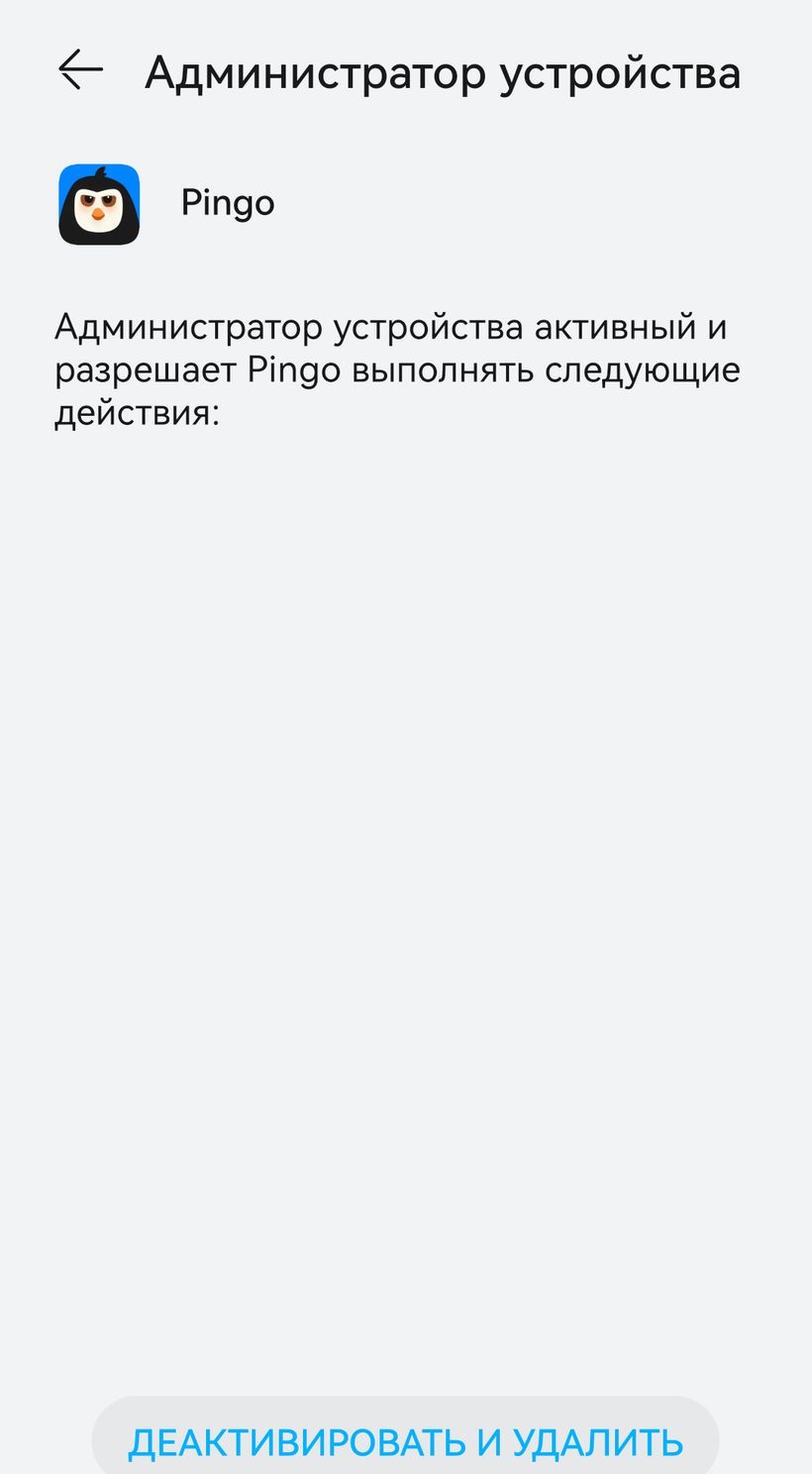
A real screen from an Honor phone - 3
Confirm the removal
An “Uninstall this app?” prompt appears. Tap “OK” and Pingo is gone from the phone.
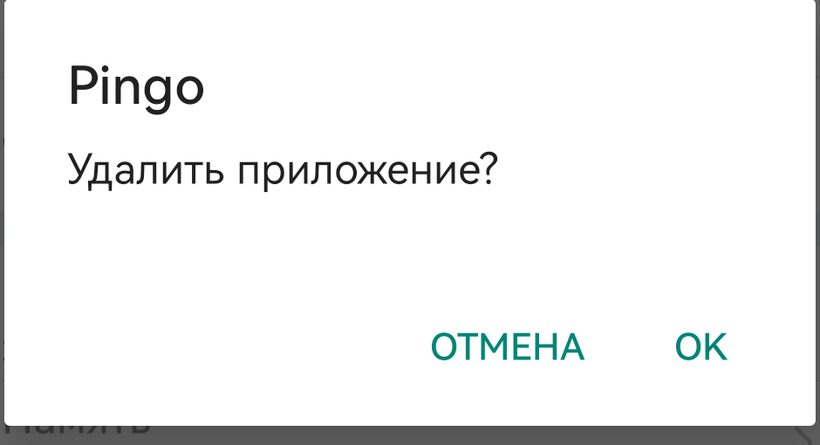
A real screen from an Honor phone - 4
Turn off the accessibility service
Settings → Accessibility → find Pingo and turn the switch off. That service is how the app sees what’s open on the phone; turning it off stops the monitoring.


How to check it worked
Pingo is no longer in the apps list, and the location and audio it sent stop.
Questions parents ask
Find My Kids is the parent app and locator; Pingo is what goes on the child’s phone. On the child’s device you remove Pingo.
It’s the device administrator. Remove that role in step 2 and uninstalling works the usual way.
Location and the audio around the phone are collected by Pingo. Once it’s removed and the accessibility service is off, the collection stops.
Why we built Gardion differently
Pingo comes off in a couple of minutes once you know the Settings route — a teenager manages it too. Gardion is also a device administrator, but if the child opens the uninstall screen or the one that turns protection off, it pulls them away and signals the parent at once.
See how Gardion works